LinkedIn OSINT: researching companies and people without being seen
How to use LinkedIn for company and people research. Set private viewing first, read company pages and headcount as claims, decode post dates from the activity ID, find profiles through search engines, spot fake profiles and check claims against registries.

· 7 min read
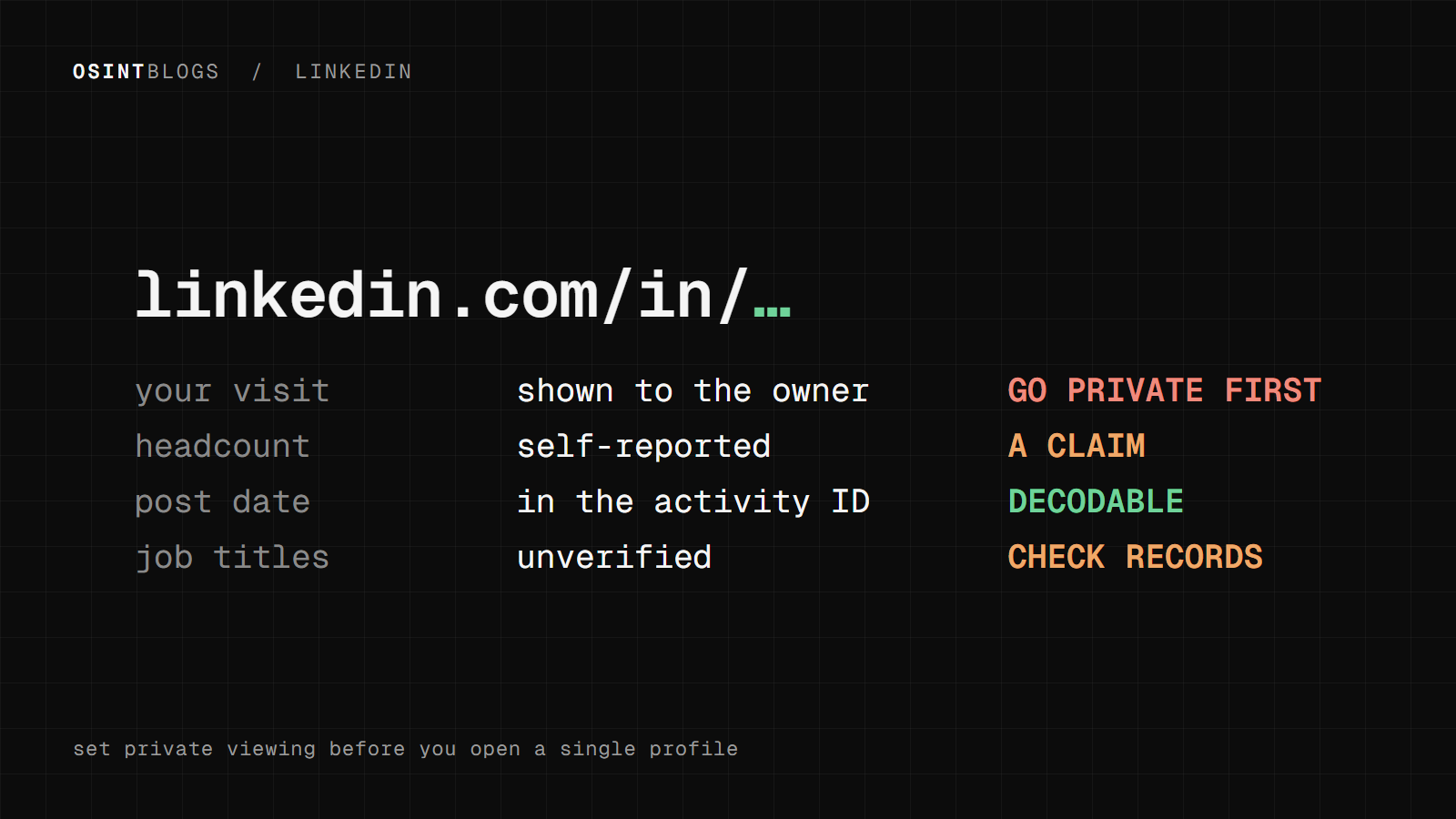
LinkedIn is the largest public record of who says they work where. That makes it the first stop for due diligence, recruitment checks, sales research and, for the same reasons, for anyone preparing a phishing campaign. Everything on it is self-declared. A profile is a claim about a career, and a company page is a claim about a business.
This guide covers how to read those claims, how to test them, and how to do both without your own name appearing in the subject's notifications.
Before anything else: stop announcing yourself
LinkedIn tells members who viewed their profile. If you research a subject from your normal account with default settings, they receive your name, headline and employer.
Change this first. In Settings, under Visibility, set Profile viewing options to private mode. Your visits then appear as "LinkedIn Member". Two consequences follow: on a free account you lose the ability to see who viewed your own profile, and the setting does not hide you retrospectively.
Other ways the platform reveals you:
Connection requests, follows, reactions and endorsements all notify the subject.
Search appearances. Members get a weekly count of searches they appeared in, with the searchers' employers and job titles in broad terms.
Logged-out viewing shows very little and is quickly blocked by a sign-in wall.
A dedicated research account with a neutral profile and private mode is the usual set-up. Creating a profile with a false identity breaches LinkedIn's terms, and impersonating a real person or a recruiter to solicit information is deception with legal consequences in some roles. See our overview of whether OSINT is legal.
Reading a company page
Element | What it tells you | How to test it |
|---|---|---|
Company size band | What the company selected | Compare with the count of associated members |
Associated members | People who list it as their employer | Open the People tab and read the profiles |
Founded year, headquarters | Self-declared | Company registry, domain registration date |
Website | The domain the company claims | Our guide to investigating a domain |
Job listings | Hiring, locations, technology used | Job text often names tools, clients and projects |
Posts | Activity over time | Decode post dates, see below |
Page creation | Not shown directly | Earliest post, earliest employee start date |
The People tab is the most informative part. It breaks associated members down by location, role and education. Patterns worth noticing:
A "200-employee" company with nine associated members, most of them junior, is smaller than it says.
A firm claiming a London headquarters whose staff are all elsewhere has an address, not an office.
Leadership with no history. Directors whose profiles were created recently, have few connections and list no previous employers.
Departure waves. Many profiles showing an end date in the same month.
Anyone can list any company as their employer. LinkedIn does not check. A handful of false associations is normal for a well-known brand, and a company page can be created by anyone with an email address.
Decoding when a post was made
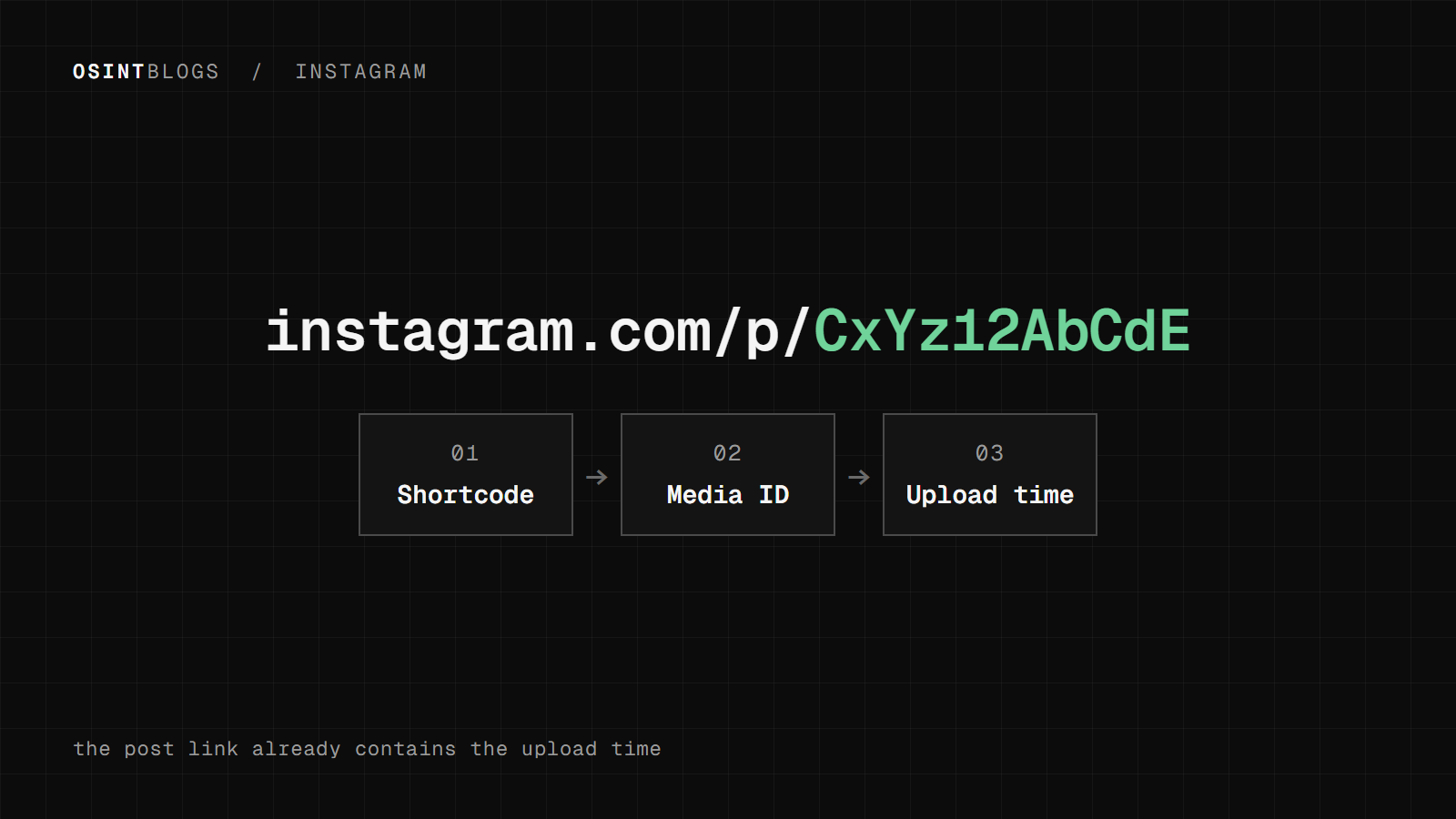
LinkedIn shows post ages as "3mo" or "1yr". The exact time is in the link. Open the three-dot menu on a post, copy the link, and find the 19-digit number after activity- or ugcPost-. The first 41 bits of that number are the time in milliseconds since 1970.
from datetime import datetime, timezone

def linkedin_time(activity_id: int) -> datetime:
    return datetime.fromtimestamp((activity_id >> 22) / 1000, tz=timezone.utc)

print(linkedin_time(7123456789012345678))
Comments carry IDs of the same kind in their links. The scheme is not documented by LinkedIn, so describe the result as the time encoded in the post ID. It is useful for placing an announcement before or after an event, such as whether a "we are hiring" post came before a funding claim or a "new role" post before a contract award.
Reading a profile
On a profile, the three-dot menu includes About this profile. It shows when the member joined, when contact information and the profile photo were last updated, and which verifications the member holds. A senior executive profile that joined two months ago is worth a second look.
Verification badges come in kinds. Identity verification means a third-party service checked a government ID. Workplace verification means the member confirmed access to a company email address or similar. Each proves that one thing and no more.
What to read, and how:
Dates. Overlapping roles, gaps and tenures. Compare with the company's own history. Someone cannot have worked for six years at a company registered three years ago.
Custom address. The part after
/in/is often a username used elsewhere. See username OSINT.Contact info. Visible fully only to connections, but sometimes lists a website, a personal email address or other handles.
Recommendations. Who wrote them, and whether those people are real. Rings of fake profiles recommend one another.
Activity. Comments are more candid than posts, and show who the person actually interacts with.
Skills and certificates. Certificates often have a credential ID that the issuer can verify.
Finding profiles from outside
LinkedIn's own search is limited on free accounts, and heavy use triggers a monthly cap. Search engines index public profiles and company pages and have no such cap.
site:linkedin.com/in "Example Ltd" "finance director"
site:linkedin.com/in "Example Ltd" (procurement OR purchasing)
site:linkedin.com/company "example"
site:linkedin.com/posts "example ltd" "contract"
site:linkedin.com/pulse "author name"
Results show the headline and location as they were when indexed, which occasionally preserves a job title the person has since removed. Our Google dorks cheat sheet explains the operators. Members can switch off the public version of their profile, so absence from search results does not mean absence from LinkedIn.
Spotting fake profiles
Fake profiles are created in bulk for sales spam, investment fraud, recruitment scams and intelligence gathering. Signs, none conclusive alone:
The photo. Stock images and stolen photos are found by reverse image search. AI-generated faces are not, but have their own tells. See our guide to verifying an image.
A thin history. Recently joined, few connections, a prestigious employer and university, and no detail under either.
Generic text. A summary that could describe anyone, and posts that are only reshares.
Mismatch. A name, photo and career that do not fit together, or a claimed employer whose People tab shows nobody else in that role.
No trace elsewhere. A senior professional with no mention on the employer's site, in the press, in company filings or at conferences.
Testing claims against records
LinkedIn tells you what someone says. Other sources tell you what was filed.
Directorships. Company registries list officers with appointment and resignation dates. In the UK, Companies House is free and searchable by officer name.
Company existence and age. Registry record, and the registration date of the company's domain.
Regulated professions. Lawyers, doctors, accountants, financial advisers and many engineers appear on public registers held by their regulators.
Qualifications. Many universities offer degree verification, usually with the person's consent.
Publications, patents and talks. Independent, dated evidence that a person held a role.
Archived copies. The Wayback Machine holds some company pages and public profiles, which shows how claims changed.
A discrepancy is a question to ask, not a verdict. People round dates, simplify job titles and forget to update profiles.
Collection limits
LinkedIn pursues scrapers more actively than any other platform, and the courts have backed its user agreement against companies that collected at scale while logged in. Automated collection also gets research accounts restricted quickly. For most work, the right scale is a few dozen pages read by a person, with captures of the ones that matter. Our guide to preserving web evidence covers the capture.
Profiles are personal data. Record what the question needs, and leave the rest.
A workflow for a company check
Set private mode and confirm it is on.
Capture the company page: size band, founded year, headquarters, website.
Count associated members and review their locations and roles.
Read the profiles of named leaders, and open About this profile for each.
Decode the dates of the earliest and latest company posts.
Check the company and its directors in the relevant registry.
Compare the domain's registration date with the claimed founding year.
Write up claims and records side by side, with differences noted.
Frequently asked questions
Can someone see that I viewed their LinkedIn profile?
Yes, unless you have set profile viewing to private mode before visiting. In private mode they see an anonymous visitor.
How do I find the exact date of a LinkedIn post?
Copy the link to the post, take the 19-digit number, shift it right by 22 bits and read the result as milliseconds since 1970 in UTC.
Is the employee count on a LinkedIn company page accurate?
The size band is chosen by the company. The associated member count is the number of people who list the company as their employer, which nobody verifies. Both are indications.
How can I tell if a LinkedIn profile is fake?
Check the join date in About this profile, reverse search the photo, look for detail and consistency in the career history, and look for the person in sources outside LinkedIn.
Is it legal to scrape LinkedIn?
Automated collection breaches the user agreement, and LinkedIn has won contract claims against scrapers. In Europe, data protection law also applies to the personal data collected. Manual research on public pages is a different matter.