How to preserve web evidence: capture, hash, timestamp and log
A screenshot shows what a page looked like, and proves very little. How to capture web pages so the record stands up later: complete captures, SHA-256 hashes, independent timestamps, public archive copies and a chain of custody log, with the commands for each.

· 7 min read
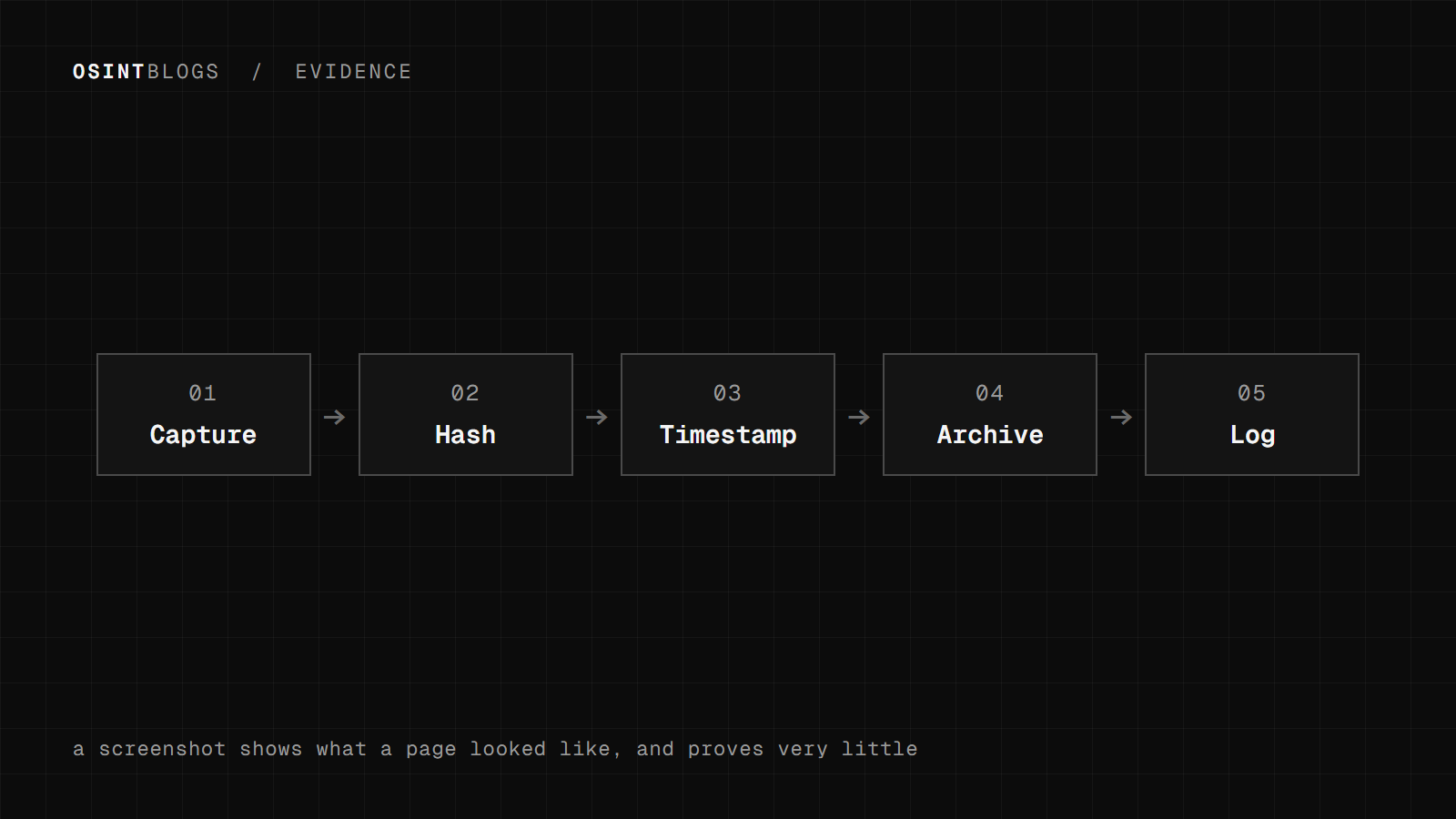
Online material disappears. Posts are deleted, accounts are suspended, and pages are quietly edited. If your finding depends on something you saw on the web, you need to be able to show later what was there, when you captured it, and that your copy has not changed since.
A screenshot does the first of those and neither of the others. This guide sets out a routine that does all three, using free tools.
What a good capture has to prove
Question someone will ask | What answers it |
|---|---|
What exactly was on the page? | A complete capture: page content, not only pixels |
Where was it? | The full address, recorded with the capture |
When did you capture it? | A timestamp from an independent party |
Has your copy been altered since? | A cryptographic hash recorded at the time |
Could you have fabricated it? | A copy held by a third party, such as a public archive |
Who handled it? | A chain of custody log |
The standard reference for this work is the Berkeley Protocol on Digital Open Source Investigations, published by the UN Human Rights Office and the University of California, Berkeley. The routine below follows its principles at a scale one person can manage.
Step 1: capture more than the pixels
Collect several forms of the same page. They fail in different ways, so together they cover one another.
A full-page screenshot. Easy for a reader to understand. Include the address bar or add the address in the file name. Browsers have this built in: in Firefox, right-click and choose the screenshot option, then "save full page". In Chrome, open developer tools, press Ctrl+Shift+P and run "Capture full size screenshot".
The page itself. The SingleFile browser extension saves a page, with its images and styles, as one HTML file that looks as it did in your browser, including content that needed a login or scrolling to load.
A WARC file. The web archive format records the raw requests and responses between browser and server, including headers and server times. It is the closest thing to a recording of the exchange.
The media. Save images and video as separate files in the highest quality available.
For simple public pages, wget writes a WARC from the command line:
wget --warc-file=capture-2026-11-27 --page-requisites --no-verbose "https://example.com/page"For pages built with JavaScript, including most social media, use a browser-based recorder such as the ArchiveWeb.page extension, which records what your browser actually loaded as you scroll.
Capture the surroundings too. A post means more with its author's profile, the replies beneath it and the page that linked you to it.
Step 2: hash every file
A hash is a short fingerprint calculated from a file's contents. Change one byte and the fingerprint changes completely. Recording the hash at capture lets anyone confirm later that the file is identical.
# Linux and macOS
sha256sum capture-2026-11-27.warc.gz page.html screenshot.png > hashes.txt

# Check later
sha256sum -c hashes.txt
# Windows
Get-FileHash -Algorithm SHA256 .\screenshot.png, .\page.html | Format-ListUse SHA-256. MD5 and SHA-1 are still seen in older procedures, but both have known weaknesses that allow two different files to share a hash.
A hash proves the file has not changed since you hashed it. On its own it does not prove when that was, because you could have made the file and the hash last night. That is the job of the next step.
Step 3: get an independent timestamp
A trusted timestamp is a statement from a third party that a particular hash existed at a particular time. You send only the hash, so the content stays private.
OpenTimestamps
OpenTimestamps anchors hashes in the Bitcoin blockchain. It is free and does not depend on any one organisation staying in business.
pip install opentimestamps-client

ots stamp hashes.txt      # creates hashes.txt.ots
ots upgrade hashes.txt.ots   # run a few hours later, once the proof is anchored
ots verify hashes.txt.ots
Stamping the file of hashes covers every file listed in it with one proof.
RFC 3161
RFC 3161 is the internet standard for timestamps issued by a timestamping authority, and the kind most familiar to courts and auditors. Commercial authorities and some free ones offer it.
openssl ts -query -data hashes.txt -sha256 -cert -no_nonce -out hashes.tsq
curl -s -H "Content-Type: application/timestamp-query" --data-binary @hashes.tsq https://freetsa.org/tsr -o hashes.tsr
openssl ts -reply -in hashes.tsr -text
The address in the second line is a free public authority. For formal work, use an authority your organisation or its lawyers recognise. Using both methods costs a minute and gives two independent proofs.
Step 4: put a copy with a third party
Your own capture, however carefully made, comes from you. A copy fetched and stored by an independent archive answers the suggestion that you made it up.
The Wayback Machine. Submit a page at
https://web.archive.org/save/followed by its address. The archive fetches the page itself and gives it a dated, permanent link.archive.today. Captures a rendered snapshot and a screenshot. It handles some JavaScript-heavy pages that the Wayback Machine does not.
Limits to know:
Archives fetch pages as an anonymous visitor. They cannot capture anything behind a login, and often fail on social media.
Site owners can ask for copies to be removed.
Archiving makes the page public and permanent. Think before archiving pages containing other people's personal data or the identity of a source.
Always open the archived copy and confirm it captured what you needed.
Courts in several countries have accepted Wayback Machine captures, sometimes with a statement from the Internet Archive about how they are made. Acceptance varies, which is one more reason to hold your own capture as well.
Step 5: write the log
A chain of custody log is a plain record of what was collected and what happened to it. A spreadsheet is enough. One row per item:
Field | Example |
|---|---|
Item reference | E-014 |
Address captured | Full link, without tracking parameters |
Captured at (UTC) | 2026-11-27 14:32:10 |
Captured by | Name or initials |
Method and tool | SingleFile 1.x in Firefox, logged out |
Files | page.html, screenshot.png |
SHA-256 | One per file |
Timestamp proofs | hashes.txt.ots, hashes.tsr |
Archive links | Wayback and archive.today addresses |
Stored at | Folder or system reference |
Notes | What the item shows and why it matters |
Add a line whenever the item is copied, moved or passed to someone else. If a detail is missing, say so. A log with honest gaps is more credible than a tidy one written afterwards.
Record your browser's state as well: logged in or out, which account, which country you appeared to be in. Pages differ by viewer, and someone trying to reproduce your capture needs to know what you were.
Step 6: store it so it stays unchanged
Keep the original files in a folder you never work in. Set them read-only.
Do all viewing, cropping and annotating on copies.
Keep a second copy in a different place.
Restrict access, and encrypt storage that contains personal data.
Set a retention date. Material kept "in case" becomes a liability under data protection law. See our overview of whether OSINT is legal.
The ten-minute version
When something is about to vanish and there is no time for the full routine:
Submit the address to the Wayback Machine and archive.today.
Save the page with SingleFile and take a full-page screenshot.
Download any video or image files.
Run
sha256sumover the files and stamp the result withots stamp.Write three lines in the log: what, where, when.
That takes minutes and puts you ahead of almost every screenshot ever offered as proof.
Common mistakes
Cropped screenshots with no address, date or account name visible.
Capturing only the post, not the profile that shows who posted it.
Hashing days later, which leaves a gap in which the file could have changed.
Relying on a public archive alone, then finding the copy was removed or incomplete.
Editing the original, for example by adding a highlight and saving over the file.
Trusting a shortened or tracking link as the record of where something was.
Platform-specific details, such as the permanent IDs worth recording, are in our guides to TikTok, X, Instagram and Telegram.
Frequently asked questions
Is a screenshot admissible as evidence?
Often it can be put forward, but it is easy to challenge, because screenshots are simple to fabricate and carry no proof of time or source. A capture with a hash, an independent timestamp and an archive copy is far harder to dispute. Rules differ by country and court, so ask a lawyer about a specific case.
What is chain of custody for digital evidence?
A continuous record of who collected an item, how, when, where it has been stored and who has handled it, so that a court or reviewer can trust it is the same item, unchanged.
What is the difference between RFC 3161 and OpenTimestamps?
RFC 3161 timestamps are signed by a timestamping authority, and you trust that authority. OpenTimestamps proofs are anchored in a public blockchain and can be checked by anyone without trusting a company. They work well together.
Does the Wayback Machine capture social media posts?
Unreliably. Many platforms block or limit it, and anything that needs a login is out of reach. Capture those pages yourself in a browser.
How long should I keep captured evidence?
For as long as the purpose requires and no longer. Set the period when you collect, record it in the log, and delete on schedule unless a legal hold applies.