Google dorks cheat sheet: search operators that still work
A tested reference to Google search operators for investigators: which ones still work, which were retired, ready-made queries for people, documents and websites, and the equivalents on Bing, Yandex and DuckDuckGo.

· 6 min read
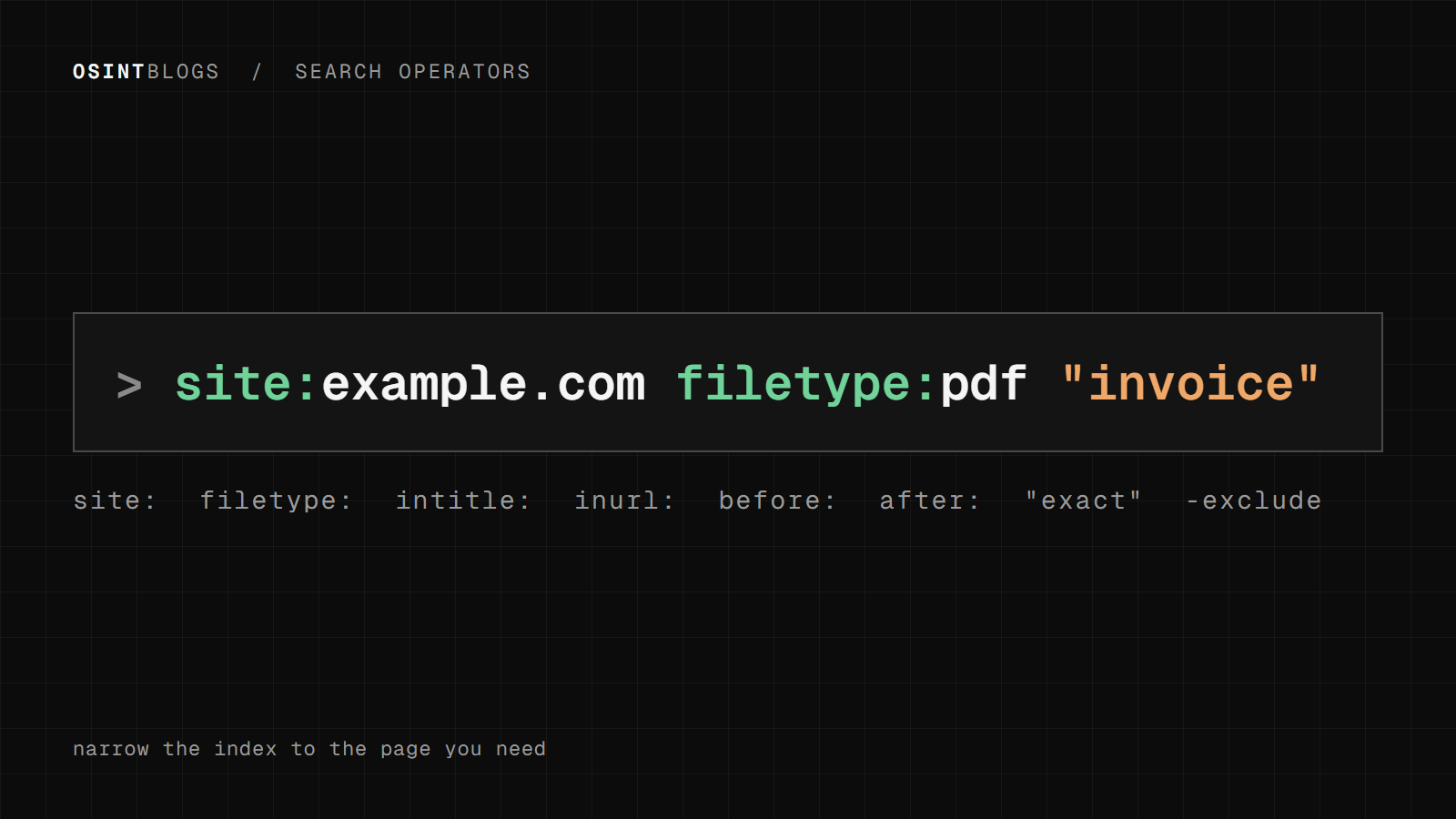
A Google dork is a search query that uses Google's advanced operators, such as site: and filetype:, to narrow results to exactly the pages you want. The technique is also called Google hacking, although nothing is hacked: every result is a page Google was able to crawl without logging in.
Most dork lists online were written years ago and copied ever since. Several of the operators they recommend no longer do anything. This reference separates the operators that still work from the ones that were retired, then gives queries grouped by what an investigator is trying to find.
Operators that work
Operator | What it does | Example |
|---|---|---|
| Matches the exact phrase |
|
| Limits results to a domain, subdomain or top-level domain |
|
| Excludes a word or an operator |
|
| Matches either term. Must be upper case |
|
| Limits results to a file type |
|
| The word must appear in the page title |
|
| Every following word must appear in the title |
|
| The word must appear in the address |
|
| Every following word must appear in the address |
|
| The word must appear in the page body |
|
| Limits by date, written as YYYY-MM-DD or YYYY |
|
| Stands in for any word inside a quoted phrase |
|
| Matches a range of numbers |
|
| Groups terms |
|
Three practical notes:
No space after the colon.
site:example.comworks.site: example.comsearches for the word "site".Operators combine. The value of dorking is in stacking them:
site:example.com filetype:pdf after:2023 "invoice".before:andafter:use the date Google assigned to the page, which is sometimes wrong. Treat it as a filter, not as evidence of when something was published.
Operators that are gone or unreliable
If an old tutorial tells you to use one of these, it is out of date.
Operator | Status |
|---|---|
| Retired in 2024, along with the cached-page link in results. Use the Wayback Machine instead |
| Retired in 2017 |
| Retired in 2019 |
| No longer returns useful results |
| Stopped forcing a word to appear in 2011. Put the word in quotes instead |
| Runs, but the results are inconsistent. Do not rely on it |
| Undocumented proximity search. Sometimes helps, never guaranteed |
| Long gone |
Google also stopped honouring the num=100 address parameter in 2025, so results pages are limited to ten at a time. A query that used to be reviewed in two pages now takes twenty. Narrow the query instead of paging through it.
Queries for researching an organisation
Replace example.com with the organisation's domain.
site:example.com filetype:pdf
site:example.com (filetype:xlsx OR filetype:csv OR filetype:docx)
site:example.com -site:www.example.com
site:example.com (inurl:staff OR inurl:team OR inurl:people OR inurl:about)
site:example.com intitle:"index of"
"@example.com" -site:example.com
"example ltd" (tender OR contract OR procurement) filetype:pdf
What each one is for:
The first two list published documents. Annual reports, policies and spreadsheets often carry names, internal job titles and, in the file metadata, usernames and software versions.
-site:www.example.comremoves the main website so that other subdomains surface. It is a quick first look before a proper subdomain search.intitle:"index of"finds open directory listings, which are folders the web server shows as a list of files."@example.com" -site:example.comfinds the organisation's email addresses mentioned on other sites, which reveals the address format.
Queries for researching a person
Use these on yourself, on public figures in their public role, or where you have a lawful reason.
"jane example" (site:linkedin.com/in OR site:github.com)
"jane example" "northtown" -site:facebook.com
"jane example" filetype:pdf
"jexample" OR "jane.example" OR "example.jane"
"jane.example@example.com"
"jane example" after:2022-01-01 before:2022-12-31
Quoted names fail in predictable ways: middle names, initials, name order and transliteration all break an exact match. Try the variants, and add something that distinguishes this person from others with the same name, such as a town, an employer or a profession.
A quoted email address or username is the most precise search you can run on a person, because it is unique in a way a name is not. Our guides to email OSINT and username OSINT pick up from there.
Queries for finding documents and data
filetype:pdf "not for distribution" site:gov
filetype:xlsx "budget" site:example.org
intitle:"curriculum vitae" "open source intelligence" filetype:pdf
site:docs.google.com "example ltd"
site:trello.com "example ltd"
site:scribd.com "example ltd"
File hosting and collaboration services are worth searching by name, because people set documents to "anyone with the link" and the link ends up indexed.
Queries for mapping your own exposure
Security teams use dorks to find what their own organisation has left public. Run these against domains you are responsible for.
site:example.com (ext:env OR ext:ini OR ext:cfg OR ext:conf)
site:example.com (ext:sql OR ext:bak OR ext:old OR ext:log)
site:example.com (inurl:login OR inurl:admin OR inurl:portal)
site:example.com intext:"index of /" "parent directory"
site:github.com "example.com" (password OR secret OR api_key)
The Google Hacking Database, hosted by Exploit Database, catalogues thousands of queries of this kind by category. It is useful for ideas, but many entries are old, so expect a good share of them to return nothing.
The same searches on other engines
Each search engine crawls a different part of the web, and each ranks differently. A page missing from Google is often present in Bing or Yandex. The operators are similar but not identical.
Purpose | Bing | Yandex | DuckDuckGo | |
|---|---|---|---|---|
Limit to a site |
|
|
|
|
File type |
|
|
|
|
Word in title |
|
|
|
|
Word in address |
| not supported |
|
|
Word in body |
|
| default behaviour | not supported |
Sites on an IP address | not supported |
| not supported | not supported |
Bing's ip: operator is the one with no Google equivalent. It lists indexed sites hosted on an address, which is useful when you are working out what an IP address is used for. Yandex is noticeably stronger for Russian-language and Eastern European content.
Why a dork returns nothing
The page is not indexed. Google indexes a fraction of the web and drops pages it considers low value.
site:results are a sample, not an inventory.The query is too strict. Remove operators one at a time until results appear, then tighten again.
You are being rate-limited. Many operator-heavy searches in a short time trigger a CAPTCHA. Slow down. Automating Google searches is against its terms and gets an address blocked quickly.
The operator was retired. See the table above.
Record what you searched
Search results change from day to day and differ between countries and accounts. If a dork finds something that matters, write down the exact query, the date, and the address of the result, then save a copy of the page itself. The result list is a pointer. The page is the evidence.
Frequently asked questions
Is Google dorking illegal?
No. Using search operators is using the search engine as designed. Liability starts with what you do with the results: accessing systems or data you are not authorised to access is an offence in most countries, however you found the address.
Does Google dorking alert the website owner?
The search itself does not, because the request goes to Google. Clicking a result does: the visit appears in the site's logs with your IP address, and usually with a referrer showing that you came from Google.
What is the Google Hacking Database?
It is a public catalogue of search queries that expose sensitive pages and files, started by Johnny Long in the early 2000s and now maintained as part of Exploit Database. Defenders use it to test their own sites.
Can I automate Google dorks?
Not against the normal search page without breaking Google's terms and being blocked. The supported route is the Programmable Search Engine API, which has quotas and does not honour every operator. For most investigations, running a small number of well-built queries by hand is faster.