Username OSINT: finding and verifying accounts across platforms
How username search tools decide an account exists, why they are wrong so often, how Sherlock, Maigret and WhatsMyName compare, and a checklist for proving that two accounts belong to the same person.

· 7 min read
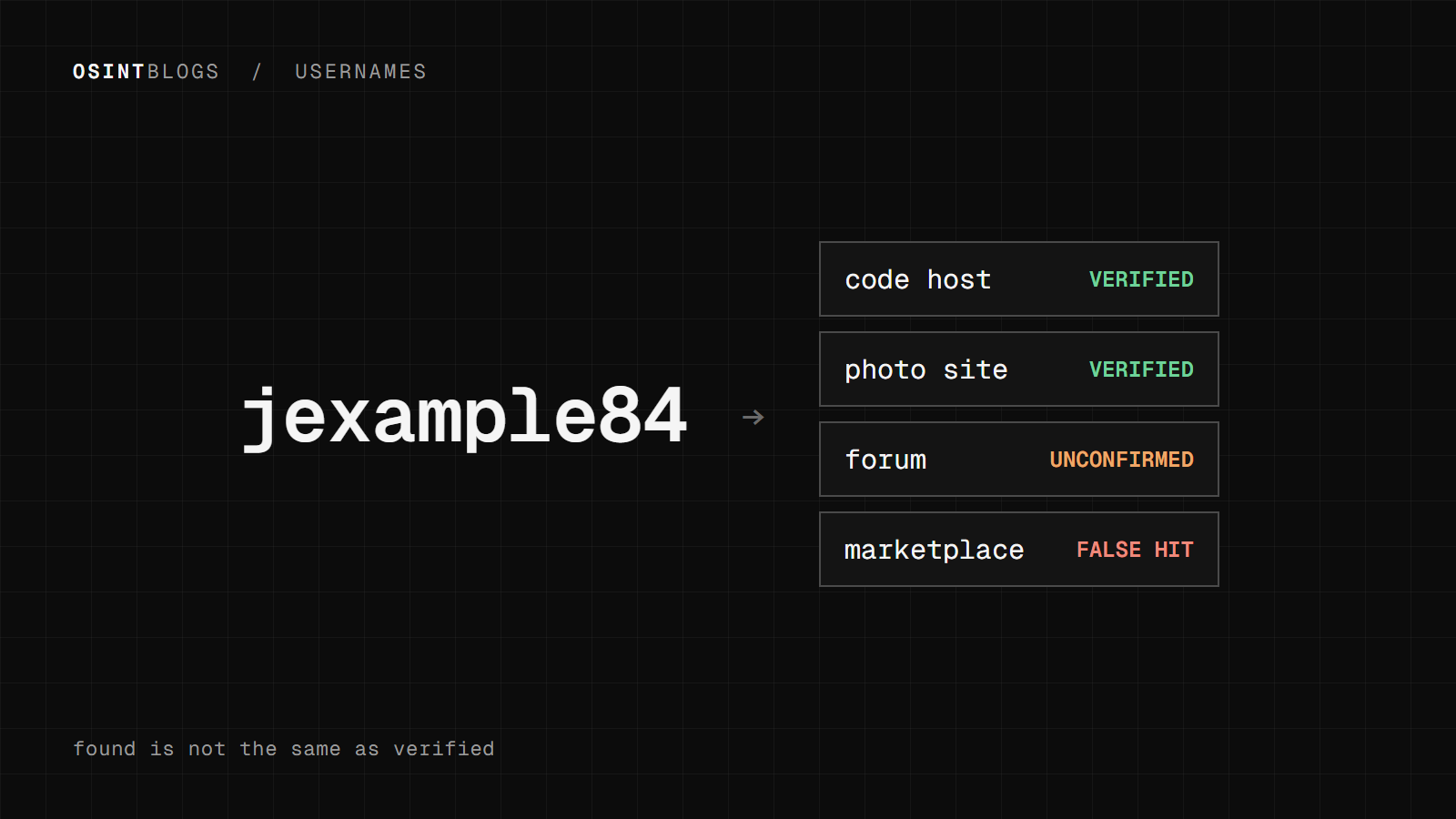
People reuse usernames. A handle chosen at fifteen for a games forum turns up twenty years later on a code repository, a marketplace and a photo site. Username OSINT uses that habit: take one handle, find every platform where it is registered, then work out which of those accounts belong to the person you are researching.
The first half is automated and takes a minute. The second half is the actual work, and it is where most mistakes are made. A tool that prints "found on 43 sites" has told you that 43 web addresses responded in a certain way. It has not told you that 43 accounts exist, and it has said nothing about who owns them.
How username search tools work
Every tool in this category does the same thing. It holds a list of sites, each with a profile address pattern such as https://example.social/users/{username}. It substitutes the handle, requests the page without logging in, and applies a rule to decide whether the profile exists. There are three common rules:
Detection rule | How it decides | Where it breaks |
|---|---|---|
Status code | The site returns 200 for a real profile and 404 for a missing one | Sites that return 200 for everything, or block the request with 403 or 429 |
Error message | The page body contains a known phrase such as "user not found" | The site rewords or translates the phrase, and every username then looks "found" |
Redirect | A missing profile redirects to the home page or a search page | The site changes its routing, or redirects logged-out visitors to a login page |
Understanding these rules explains nearly every wrong result you will see.
Why results are wrong so often
Site changes. A redesign alters the error text, and the tool's rule quietly stops working. Community-maintained lists catch up eventually, but there are always stale entries.
Bot protection. A CAPTCHA or a challenge page is neither a profile nor a "not found" page. Depending on the rule, the tool reports it as either.
Rate limiting. Hundreds of requests in a few seconds from one address looks like scanning. Blocked responses become false results.
Login walls. More platforms now show nothing to logged-out visitors. The tool cannot tell a hidden profile from a missing one.
Reserved and recycled names. Some sites hold a profile page for deleted or banned accounts, and some let a new person take an abandoned handle.
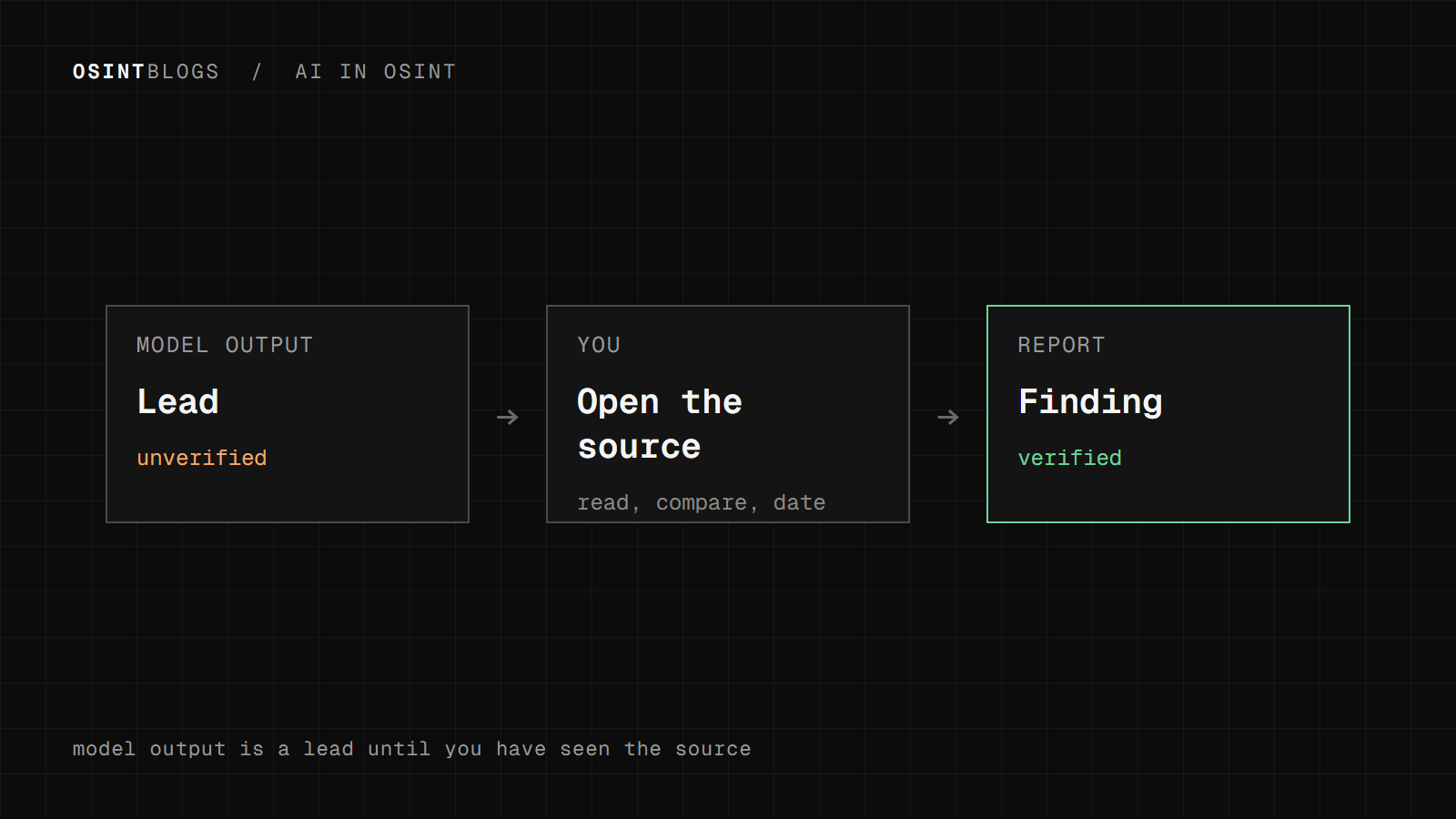
The practical rule: a "found" result is a link to open and look at. Nothing more.
Sherlock, Maigret and WhatsMyName compared
Three open-source projects cover most needs. They overlap, and running two of them is sensible because their site lists and detection rules differ.
Sites covered | About 400 | More than 3,000 | About 600 |
Form | Command-line tool | Command-line tool | A data file, plus a web app and third-party tools that use it |
Reads profile content | No | Yes: extracts names, links and IDs from profile pages | No |
Follows new leads | No | Yes: can search again on usernames it discovers | No |
Reports | Text, CSV | HTML, PDF, JSON and others | Depends on the front end |
Best for | A fast first pass on well-known sites | Depth, when you have time to review a long list | Checking without installing anything |
# Sherlock
pipx install sherlock-project
sherlock jexample84 --timeout 15

# Maigret
pipx install maigret
maigret jexample84 --html
Maigret's larger list produces more genuine finds and more noise. Its ability to pull details out of a profile page, such as a display name or a linked account, saves real time. Other tools, including Blackbird, reuse the WhatsMyName list, so their coverage is similar to each other's.
All of these request pages from each site directly, from your IP address. That is light-touch, but it is not invisible. Use a connection you are content to have associated with the search.
What to search for
Search more than the one handle you were given.
Variants.
jexample,j_example,j.example,jexample84,jexample_. People add a suffix when their usual name is taken.Older handles. Archived versions of a profile may show a previous username. Some platforms keep old handles in profile addresses or in replies from other users.
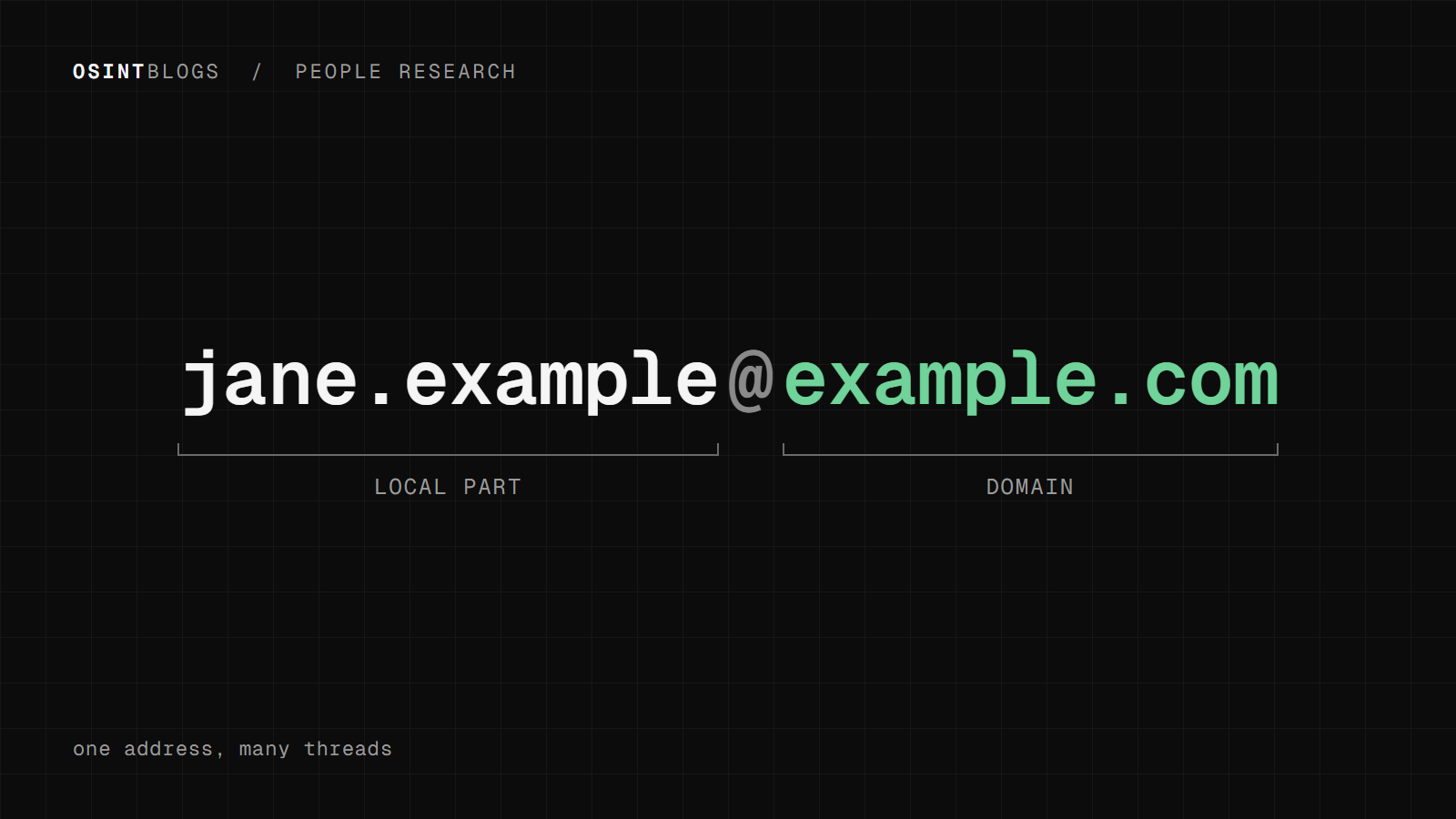
The local part of a known email address.
jexample84@…suggests tryingjexample84. Our email OSINT guide covers the reverse direction.Plain web search. Put the handle in quotes in more than one search engine. Forum posts, comment sections and small sites that no tool lists turn up this way. See the Google dorks cheat sheet for operators.
How distinctive the handle is sets how much weight a match carries. xq_marlowe_77 on two sites is probably one person. alex on two hundred sites is two hundred people.
Verifying that two accounts are the same person
This is the step that separates a list of links from a finding. For each candidate account, look for specific, checkable connections to an account you have already confirmed.
Strong links
One profile links to the other, or both link to the same personal website.
Both display the same email address, or the same uncommon contact detail.
The account holder states the connection: "also on … as …".
A verification proof, such as a signed statement or a link in a domain's DNS record or web page that only the owner could have placed.
Moderate links
The same profile photo. Run a reverse image search to make sure it is not a stock image, a celebrity or a meme used by thousands of people.
Matching biographical details: city, employer, university, a named project.
The same distinctive phrasing in the bio, or the same unusual combination of interests.
Weak links
The same username, on its own.
Similar interests.
Activity at similar times of day. Useful for excluding a match, since someone posting only during New Zealand daytime is unlikely to be your Berlin-based subject. Too broad to confirm one.
A workable standard: one strong link, or several independent moderate ones, before you treat two accounts as the same person. Record which links you relied on. If the conclusion would affect someone's job, safety or reputation, raise the bar.
What to collect from each confirmed profile
Once an account is confirmed, read it properly. Each profile can give you new identifiers to search:
Display name and any real name.
Bio, location and links.
Profile photo and banner, at full resolution.
Account creation date, where shown.
The numeric user ID, where the platform exposes one. A handle can change. The ID does not.
Connections and frequent contacts, where public.
The earliest posts, which are often less guarded than recent ones.
Save a copy as you go, with the address and the date. Accounts are deleted and renamed, and a later reader needs to see what you saw. If you rely on a web archive for that, check how the capture was made: archived pages are reconstructions, and profile pages that load content with scripts often archive badly.
A short worked example
A fictional case: you are checking whether a seller on a marketplace, who uses the handle brasslantern_repairs, is the established business they claim to be.
Sherlock returns nine "found" results. Opening each one, five are real profiles, three are error pages the tool misread, and one is a login wall.
Of the five, a photo-sharing account and a video account both show the same workshop logo and link to the same website. That is a strong link between those two.
The website names a registered company. The company registry confirms the name, an incorporation date eight years ago and a registered address in the town the profiles mention.
A forum account with the same handle discusses unrelated topics, has no logo and no links. It stays unverified and out of the conclusion.
The finding is narrow and supportable: the marketplace seller's handle matches two linked accounts and a website belonging to a company that has existed for eight years. The forum account is noted as unconfirmed.
Protecting your own handles
The same method works in reverse as a privacy check. Run your own usernames through two tools, open each result, and decide which accounts you still want to exist. Using a different handle for accounts you want kept apart, and a different email address for each, removes the two links this whole technique depends on.
Frequently asked questions
Is it legal to search for someone's username?
Requesting public profile pages is legal in most places. What you do with the results is governed by data protection, harassment and stalking laws. Tools that request pages automatically may breach a platform's terms of service.
Which username search tool is the most accurate?
None is reliably accurate, because accuracy depends on how recently each site's rule was updated. Maigret has the widest coverage. Sherlock is quick and well maintained for major sites. Use two and verify by hand.
Why does Sherlock say an account exists when it does not?
The site returned something the detection rule did not expect: a redesigned error page, a CAPTCHA or a block. The tool only compares the response against a stored pattern.
Can a username search find private or deleted accounts?
It may show that a profile address exists, but not what is inside a private account. Deleted accounts sometimes survive in web archives or in other users' replies.