Email OSINT: how to investigate an email address step by step
A repeatable workflow for researching an email address: reading the address itself, checking the domain, finding linked accounts and breaches, analysing headers, and verifying that the accounts you find belong to one person.

· 8 min read
An email address is the most useful single identifier in people research. Almost every online account requires one, people keep the same address for years, and it is unique in a way that a name never is. Starting from one address you can usually establish whether it is real, what kind of person or organisation is behind it, which services it is registered with, and which other identifiers, such as usernames, it leads to.
This guide is a workflow in the order I would run it, from checks that are silent and certain to checks that are noisier and need more verification. Practise on your own address first. You will learn what each source really returns, and it is a useful privacy audit.
Before you start
Write down why you are looking and what you need to establish. "Is this address a real employee of the company it claims to be from?" needs perhaps three of the steps below. Running all of them out of habit just collects personal data you have no use for.
Know which steps the owner can notice. Everything in steps 1 to 4 is passive. Account-discovery tools in step 5 contact third-party services, not the owner, but a badly behaved tool can trigger a password-reset email. Sending the address a message, in step 7, is as active as it gets.
Step 1: read the address
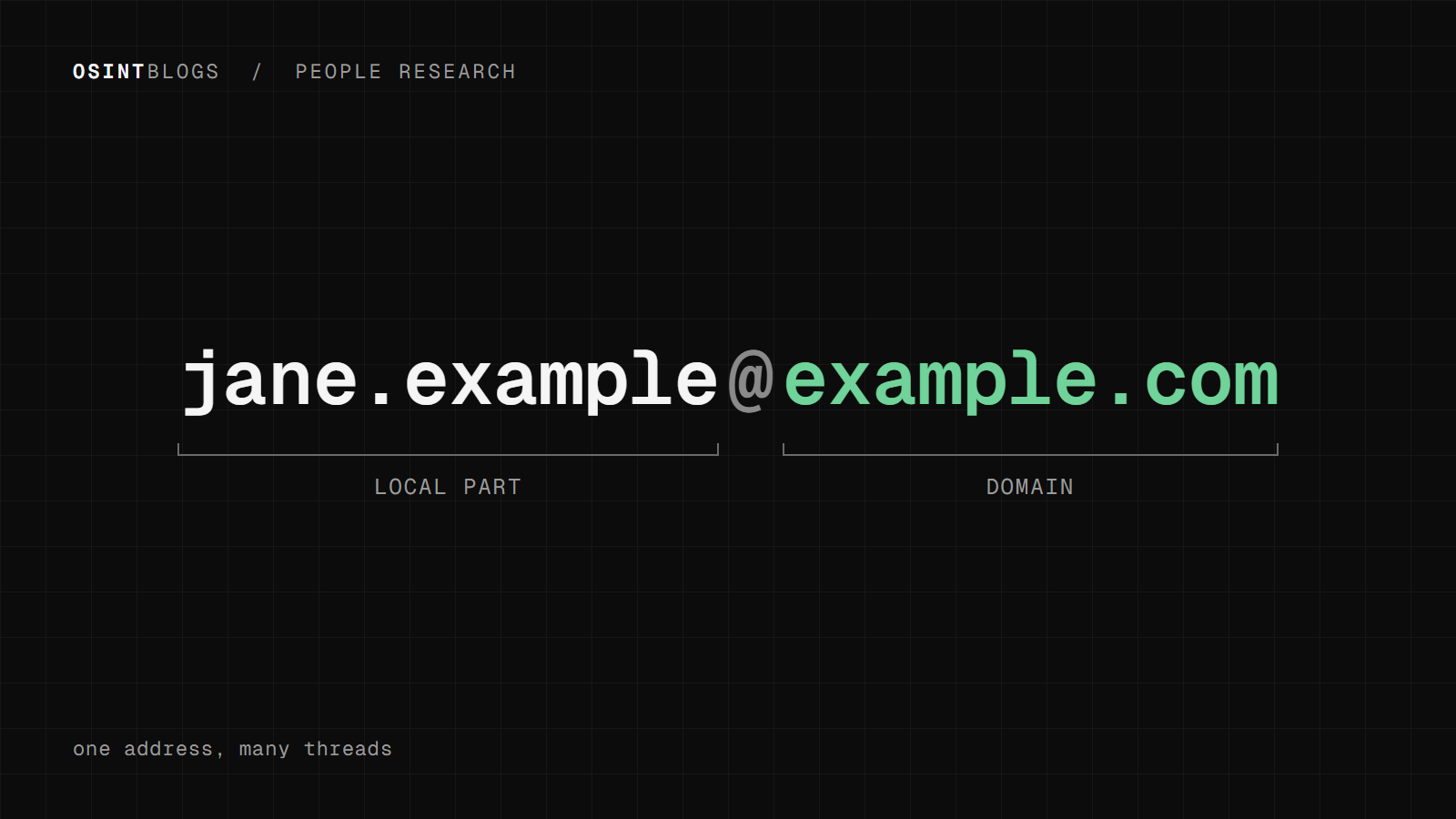
The address has two halves, and both carry information before you search for anything.
The local part (before the @) often encodes a name, a year or a handle. j.example84 suggests an initial, a surname and possibly a birth year. Treat that as a hypothesis, not a finding. The local part is also frequently reused as a username elsewhere, which makes it worth a username search later.
The domain (after the @) puts the address into one of four groups:
Domain type | Examples | What it tells you |
|---|---|---|
Free webmail | Gmail, Outlook, Yahoo | Nothing about the owner. Anyone can register |
Organisation | A company, university or government domain | The owner has, or had, a relationship with that organisation, if the address is genuine |
Privacy-focused or alias | Proton Mail, Tuta, SimpleLogin, addy.io, iCloud Hide My Email | The owner cares about privacy. Alias addresses may be unique to one service |
Disposable | Mailinator, Guerrilla Mail and similar | Created to be thrown away. Further research is rarely productive |
Plus-addressing is worth knowing: in jane+shop@example.com, most providers deliver to jane@example.com. Search for both forms.
Step 2: check the domain
For anything other than large webmail providers, look at the domain itself.
MX records show who handles the mail. A domain with no MX record cannot receive email, which settles whether the address is real.
SPF, DKIM and DMARC records show whether the domain can be spoofed easily. A domain with no DMARC policy is much easier to impersonate, which matters if you are assessing a suspicious message.
Registration date matters for look-alike domains.
examp1e-payments.com, registered last week, sending invoices in the name of a twenty-year-old company, is a fraud pattern.
dig +short MX example.com
dig +short TXT example.com
dig +short TXT _dmarc.example.com
Our guide to investigating a domain covers registration data and the rest of the DNS picture.
Step 3: confirm the address exists
Verification services test an address by starting an SMTP conversation with the mail server and asking whether it would accept mail for that recipient, without sending anything. The result is less reliable than those services suggest:
Many servers are catch-all: they accept every address and sort it out later, so everything looks valid.
Large providers deliberately give vague answers to stop people harvesting addresses.
Repeated probing gets your IP address blocklisted.
A "valid" result is weak evidence. An "invalid domain" or "no MX record" result is strong evidence. For organisational addresses, a better check is whether the address matches the format other staff use. Search for "@example.com" in quotes to find published addresses and work out the pattern.
Step 4: search for the address
Put the full address in double quotes and run it through more than one search engine. Then run the local part on its own.
"jane.example@example.com"
"jane.example" -site:example.com
"jane.example@example.com" (filetype:pdf OR filetype:xlsx OR filetype:csv)
Typical hits are conference attendee lists, mailing-list archives, academic papers, company filings, forum profiles and old personal websites. The Google dorks cheat sheet has the operator details. Two further places are worth a direct search:
Code hosting. GitHub's commit search accepts
author-email:jane.example@example.com. Git records the author's address in every commit, so this can connect an address to a developer account and a real name.Web archives. Contact pages change. An archived copy of a staff page or a personal site may show the address beside a name and a job title.
Step 5: find accounts registered to the address
Many websites reveal whether an address is already registered: the sign-up form says "this email is taken", or the password-reset form behaves differently for known addresses. Account-discovery tools automate that check across many sites.
holehe is the best-known open-source tool. It checks roughly 120 sites and is written to use endpoints that do not email the owner.
Epieos is a web service that runs similar checks and also looks up the public Google account details attached to an address.
GHunt focuses on Google accounts and can return a public profile name, photo and, where the owner has posted them, Maps reviews.
pip install holehe
holehe jane.example@example.com --only-used
Read the output critically:
False positives are common. Sites change their sign-up pages and the tool's check goes stale. Some sites rate-limit after a few requests and the tool misreads the error as a match.
A hit means "an account exists", not "here is the profile". Most sites do not reveal which profile belongs to the address.
Absence means little. The site list is short compared with the number of services that exist.
The useful output is the pattern. An address registered on a code host, a package registry and a developer forum belongs to a different sort of person than one registered on dating and shopping sites. That shapes where you look next.
Step 6: check breach exposure
Have I Been Pwned tells you which known breaches include an address, with the breach date and the kinds of data exposed. It shows no passwords and no records. Searching on the website is free, and the API requires a paid key.
For an investigator, the value is historical:
A timeline. An address in a 2012 breach existed, and was in use on that service, by 2012.
Interests and services. The list of breached services is a partial list of where the address had accounts.
Other data types. If a breach exposed usernames or phone numbers alongside email addresses, you know that a link exists, even though the notification service does not show it.
There is a limit worth stating. Appearing in a breach of a site is not proof the person chose to register there: some breached datasets are marketing lists or scraped data. Have I Been Pwned also withholds sensitive breaches, such as dating sites, from public search for that reason.
Paid "breach search" services that display raw records, including passwords, are a different category. The data is stolen, its accuracy is unknown, and using it is unlawful in some countries and against most organisations' policies. Decide your position before a case tempts you.
Step 7: analyse the headers, if you have a message
If the question is about a specific email you received, the headers are your best evidence. Every mail client can show the original message source.
Authentication-Resultsrecords whether SPF, DKIM and DMARC passed. A message "from" a bank that fails all three did not come from the bank.Receivedlines list each server that handled the message. Read them from the bottom up. Only the lines added by your own provider are trustworthy, because a sender can forge earlier ones.Return-PathandReply-Toshow where bounces and replies really go. A mismatch with the visible From address is a common phishing sign.Message-IDusually ends in the domain of the system that created the message.
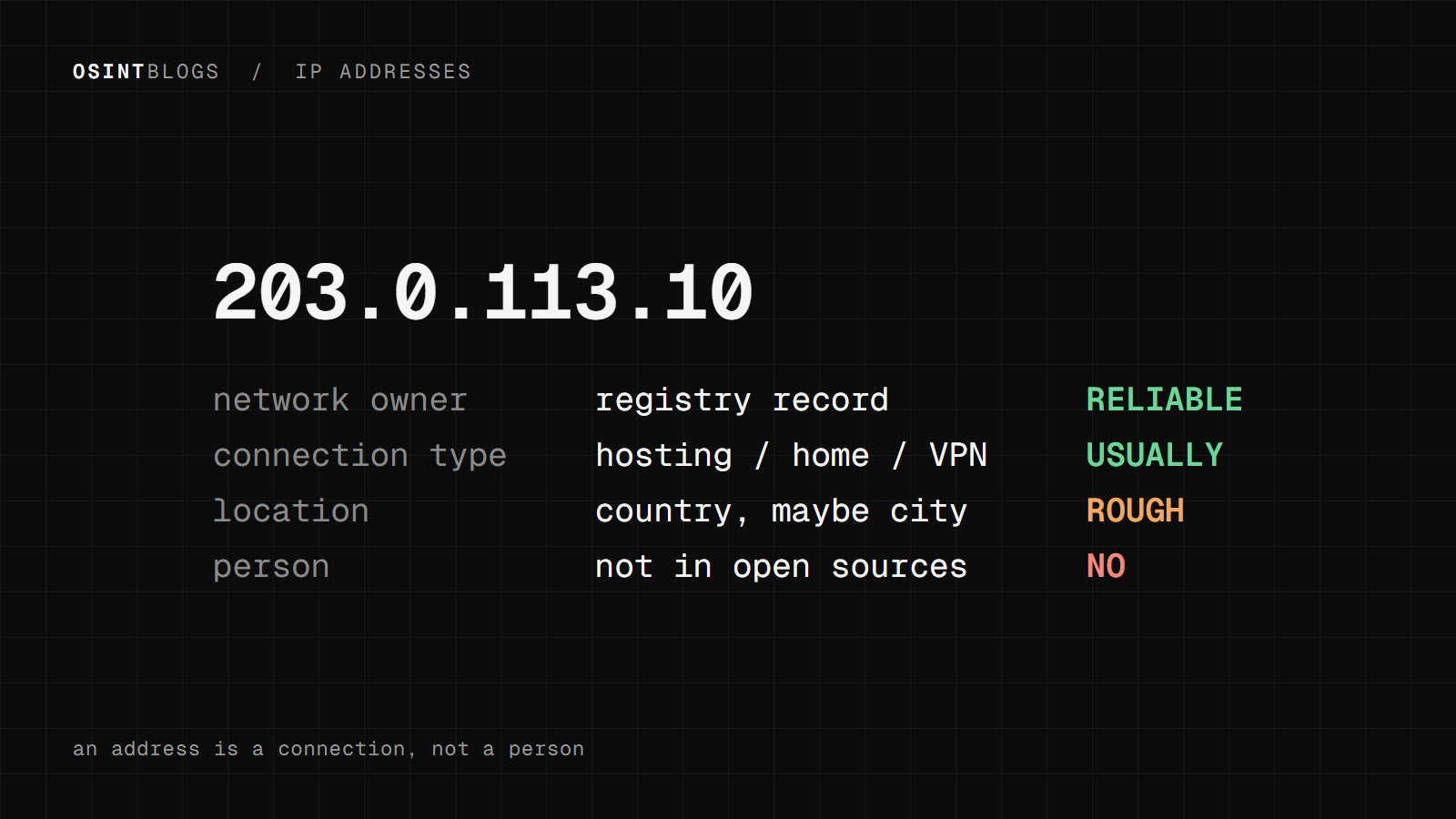
The originating IP address is often missing. Gmail, Outlook and other webmail services do not include the sender's own address, only their servers'. When an IP is present, read our guide to what an IP address reveals before drawing conclusions from it.
Step 8: verify that it is one person
By now you have a list: profiles, a possible name, breach entries, perhaps a username. None of it is confirmed until you can show the pieces belong together. Good links are specific and independent:
The profile publicly displays the same email address.
Two profiles link to each other, or both link to the same personal website.
The same profile photo appears on both. Check with a reverse image search.
Biographical details match across accounts: city, employer, a distinctive project name.
Account creation dates and activity fit a single timeline.
A matching name alone is not a link. Neither is a tool's output. Write down which connections you verified and which you are inferring, and keep the two apart in anything you report.
Frequently asked questions
Can you find out who owns an email address?
Sometimes. If the owner has used the address publicly, or reused its name as a username, open sources can connect it to a profile and a name. If the address was created to be anonymous and has been used carefully, open sources will usually not identify the owner, and only the provider can, in response to legal process.
Is it legal to look up an email address?
Searching public sources for an address is legal in most places. Data protection law still governs what you do with personal data you collect, and attempting to get into the account is illegal everywhere.
Does holehe notify the owner of the email?
It is designed not to. It uses sign-up and login checks that do not send mail. Site behaviour changes, though, so test any tool against your own address before using it on a real case.
Can an email be traced to a location?
Not from the address alone. A message's headers may contain an IP address, which locates the sending network roughly, to a city at best. Webmail providers remove the sender's IP, so most personal email cannot be located this way.