How to investigate a domain: RDAP, DNS, subdomains and history
A passive workflow for researching any domain: registration data through RDAP now that WHOIS is being retired, DNS records, subdomain discovery from certificate logs, hosting, page history and shared identifiers.

· 8 min read
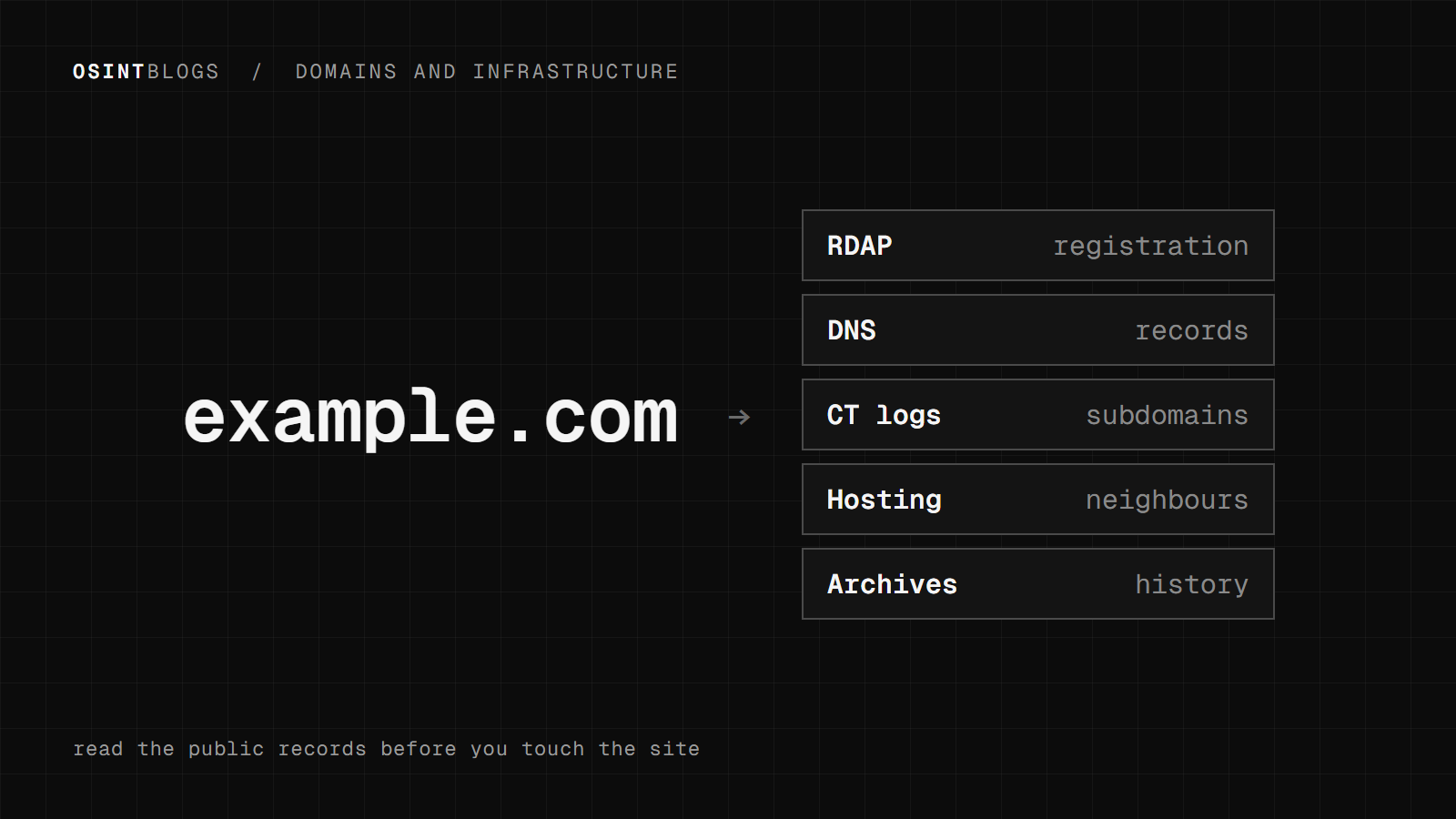
A domain name is a small public record that points at several larger ones. Behind it sit a registration, a set of DNS records, certificates, servers, and years of archived pages. Each of those can be read without contacting the site itself, and together they usually answer the questions investigators ask about a domain: how old is it, who runs it, what else do they run, and what did it used to be?
This guide walks through the sources in the order I use them. Everything in it is passive, meaning the domain's owner sees none of it, until the section marked otherwise.
Start with a question
The same domain needs different work depending on why you are looking.
Is this site trustworthy? Age, registration pattern, hosting and page history carry most of the answer.
What does this organisation expose? Subdomains and the services behind them.
Who is behind this site, and what else is theirs? Shared infrastructure and shared identifiers.
Write the question down first. It tells you when to stop.
Step 1: registration data, through RDAP
For decades the tool for this was WHOIS: a plain-text protocol on port 43 with a different output format for every registry. Its replacement is RDAP, the Registration Data Access Protocol, which returns structured JSON over HTTPS. Since 28 January 2025, ICANN no longer requires registries and registrars of generic top-level domains such as .com to run WHOIS at all, and RDAP is the definitive source. Many WHOIS servers still answer, but tools built on them are living on borrowed time.
A lookup needs no special software:
curl -sL https://rdap.org/domain/example.com | jq '{
  handle,
  status,
  events: [.events[] | {eventAction, eventDate}],
  nameservers: [.nameservers[].ldhName],
  registrar: [.entities[] | select(.roles[] == "registrar") | .vcardArray[1][] | select(.[0] == "fn") | .[3]]
}'
rdap.org is a redirector that finds the correct registry server for you. ICANN's web lookup tool does the same in a browser.
What you will and will not see
Since the GDPR took effect in 2018, the registrant's name, email, phone number and address are redacted for most domains, whether or not the owner is in Europe. Many domains also use a privacy or proxy service. Expect to see no personal details.
What remains is still useful:
Field | Why it matters |
|---|---|
Creation date | A hard fact about age. A "long-established" business on a three-week-old domain is a discrepancy |
Last changed and expiry dates | Recent changes can mark a change of owner. A domain renewed one year at a time is typical of throwaway use |
Registrar | Some registrars are favoured for bulk, cheap or abusive registrations. It is a signal, not proof |
Name servers | Show the DNS provider, and sometimes link domains managed together |
Status |
|
Registrant organisation and country | Sometimes left unredacted, particularly for companies |
Country-code domains follow their own rules. Some registries publish more than .com does, some less, and a number still have no RDAP service, so WHOIS remains necessary for those.
Historical registration records
Records from before 2018 often show the registrant in full. Several commercial services sell historical WHOIS data, and prices for single lookups are low. This is frequently the only way to connect an old domain to a named person or company. Treat the result as what someone typed into a form years ago: usually accurate, never verified.
Step 2: DNS records
DNS tells you where the domain points and which services it uses.
dig +short A example.com
dig +short AAAA example.com
dig +short NS example.com
dig +short MX example.com
dig +short TXT example.com
dig +short SOA example.com
A and AAAA give the IP addresses. If they belong to a content delivery network such as Cloudflare, the real server is hidden behind it.
MX shows who handles email: Google Workspace, Microsoft 365, a small host or the same server as the website.
TXT is the most revealing. The SPF record lists every service allowed to send mail for the domain, and verification strings left behind by SaaS products show which tools the organisation uses.
SOA contains a contact mailbox for the zone, which is occasionally a real address.
Querying DNS contacts DNS servers, not the website. For the purposes of an investigation it is passive.
Passive DNS adds history. Services such as SecurityTrails and VirusTotal record which addresses a name resolved to over time, and which other names resolved to the same address. This often shows where a site was hosted before it moved behind a content delivery network.
Step 3: subdomains
Subdomains show the parts of an organisation that the home page does not link to: vpn., staging., mail., jira.. The best passive source is Certificate Transparency.
Every certificate issued by a publicly trusted authority is recorded in public logs, and browsers have refused certificates that are not logged since 2018. A certificate lists the host names it covers. Searching the logs for a domain therefore returns host names that someone, at some point, requested a certificate for.
curl -s "https://crt.sh/?q=%25.example.com&output=json" \
  | jq -r '.[].name_value' | sort -u
Limits to keep in mind:
A logged name is historical. The host may be long gone. Check whether it still resolves.
Wildcard certificates hide names.
*.example.comcovers every subdomain and reveals none.Hosts that never had a public certificate are missing.
Certificates support more than subdomain lists. Our write-up on Certificate Transparency as a pivot engine covers linking domains through shared certificates and issuance timing.
To combine certificate logs with other passive sources in one run, use subfinder or amass. Both query dozens of sources and return a de-duplicated list. Sublist3r, which older guides recommend, has not kept up and misses a great deal.
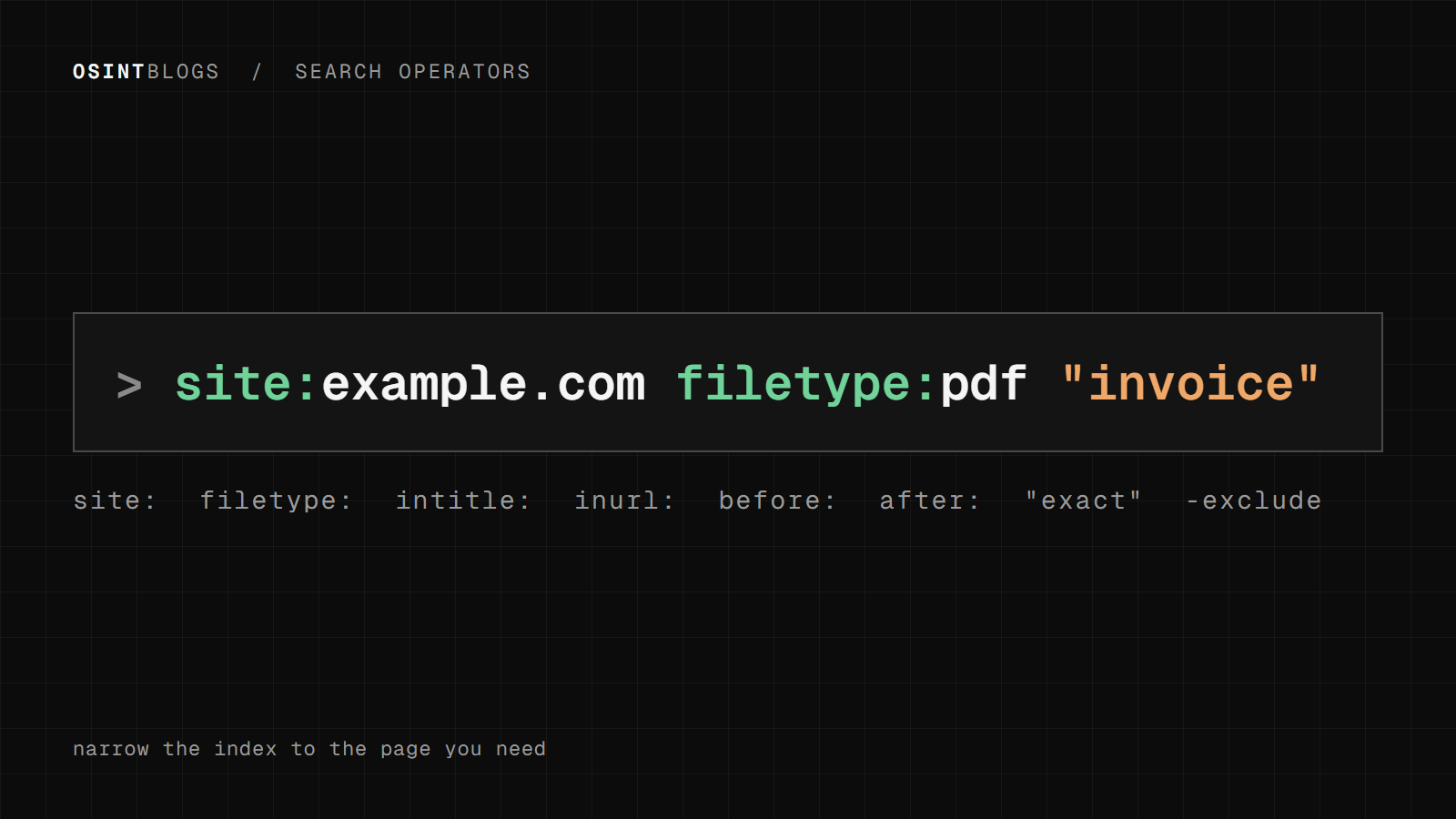
subfinder -d example.com -all -silent | sort -u > subdomains.txtA quick supplement is a search engine query that removes the main site: site:example.com -site:www.example.com. More operators are in the Google dorks cheat sheet.
Step 4: hosting and neighbours
Take the IP addresses from step 2 and ask who operates them and what else lives there.
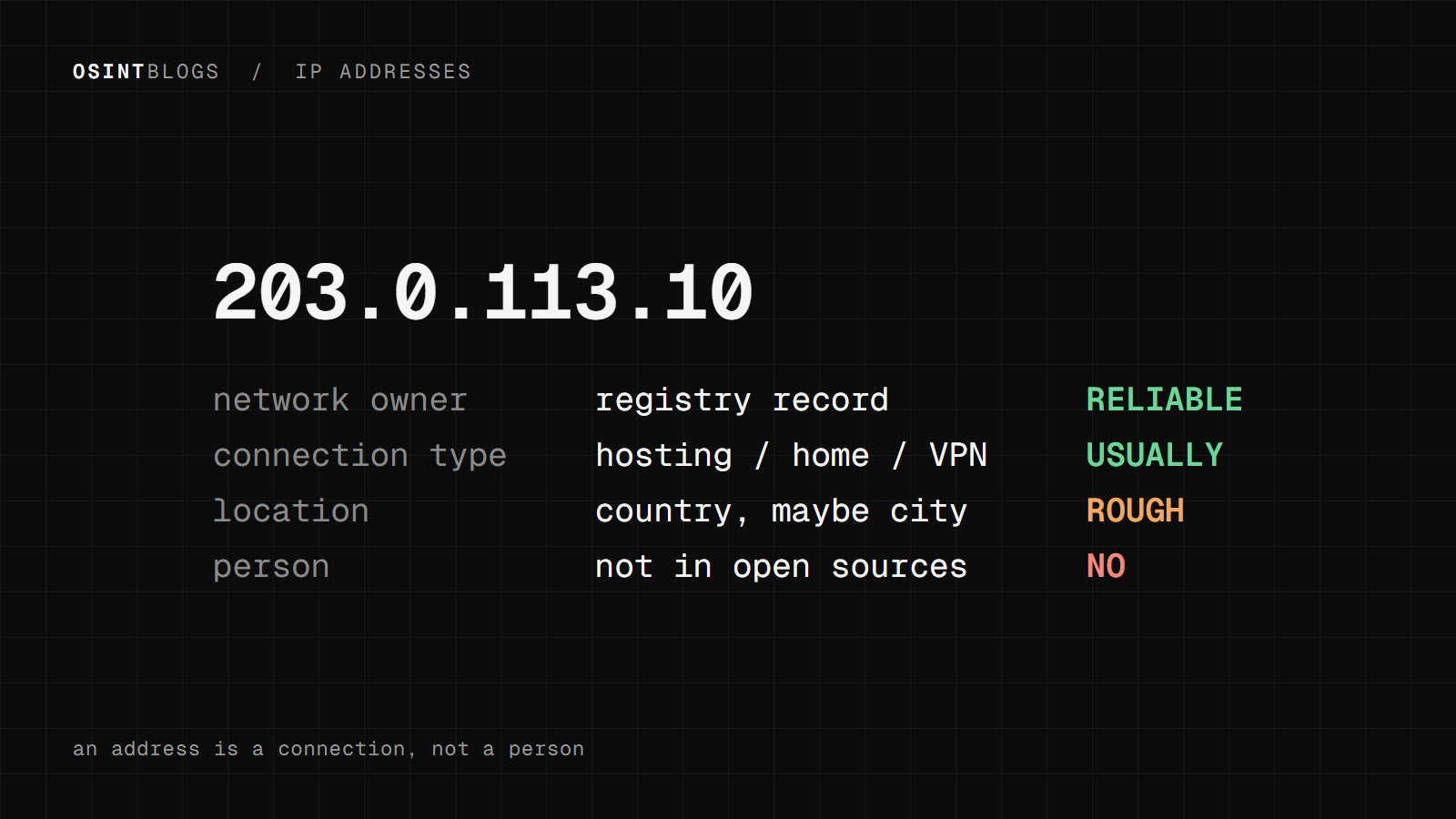
Network owner. An IP lookup gives the hosting company and network. Our guide to IP address OSINT explains how to read it.
Reverse IP. Lists other domains on the same address. On a dedicated server, the neighbours probably share an owner. On shared hosting or a content delivery network, thousands of unrelated sites share one address and the list means nothing. Work out which case you are in before drawing conclusions.
Service data. Shodan and Censys show which ports and software were seen on the address, and the certificates it presented, collected by their scanners rather than yours.
Step 5: page history
The Wayback Machine shows what the domain served in the past. Look for three things:
Changes of purpose. A domain that was a parked page, then a blog, then a shop within a year has probably changed hands, or was bought for its age.
Old contact details. Earlier versions of "About" and "Contact" pages often carry names, addresses and phone numbers that were later removed.
Gaps. Long periods with no captures, followed by a new design, fit an expired and re-registered domain.
Read captures with care. An archived page is a reconstruction, and its parts may have been saved on different dates.
To see what a live page loads without visiting it, submit it to urlscan.io. You get a screenshot, the requests the page made, and the addresses it contacted. Scans are public by default, so choose a private scan when the address itself is sensitive.
Step 6: shared identifiers
Sites run by the same people often share small technical fingerprints. Each one can be searched to find sibling sites.
Analytics and advertising IDs. Google Analytics measurement IDs, Tag Manager container IDs and AdSense publisher IDs appear in the page source. Older Universal Analytics IDs stopped collecting data in 2023 but are still present in archived pages, and they remain one of the best historical links between sites.
Favicons. Shodan indexes a hash of each site's favicon. Searching for the hash finds other servers presenting the same icon, including copies of a site on addresses that are not behind the content delivery network.
Certificates. One certificate covering several unrelated-looking domains ties them to a single operator.
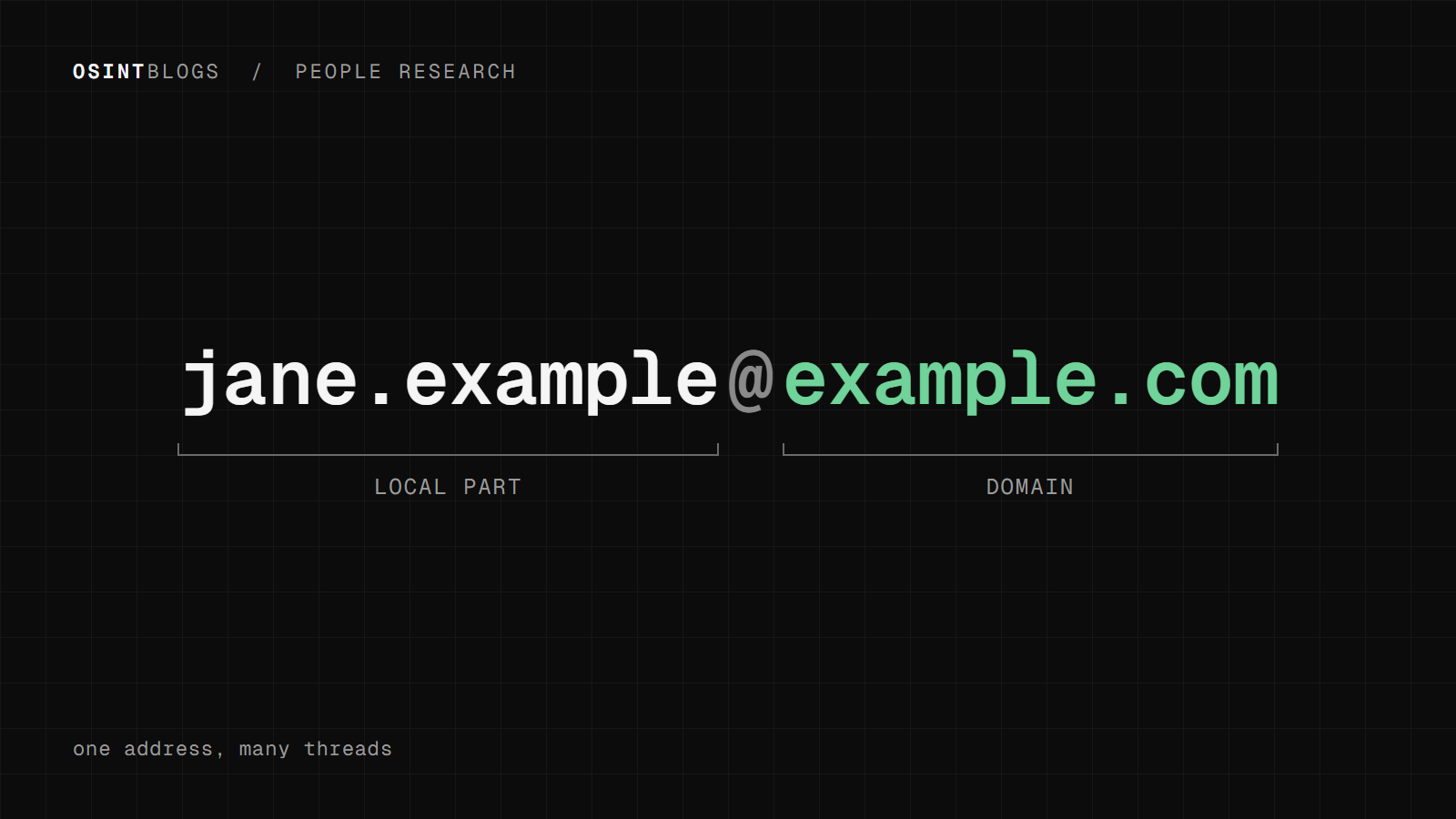
Verification tokens and contact details. The same site-verification code, email address or phone number across several sites.
One shared identifier suggests a connection. It can also come from a shared template, the same web developer, or a copied page. Look for a second, independent link before saying two sites have the same owner.
Where passive ends
Everything above reads third-party records. The following steps contact the subject's own systems, appear in their logs, and for systems you do not own may need permission:
Loading the website from your own connection.
Guessing subdomains by brute force against the domain's own name servers.
Port scanning and probing discovered hosts.
Requesting paths or files that are not linked.
Report what you can support
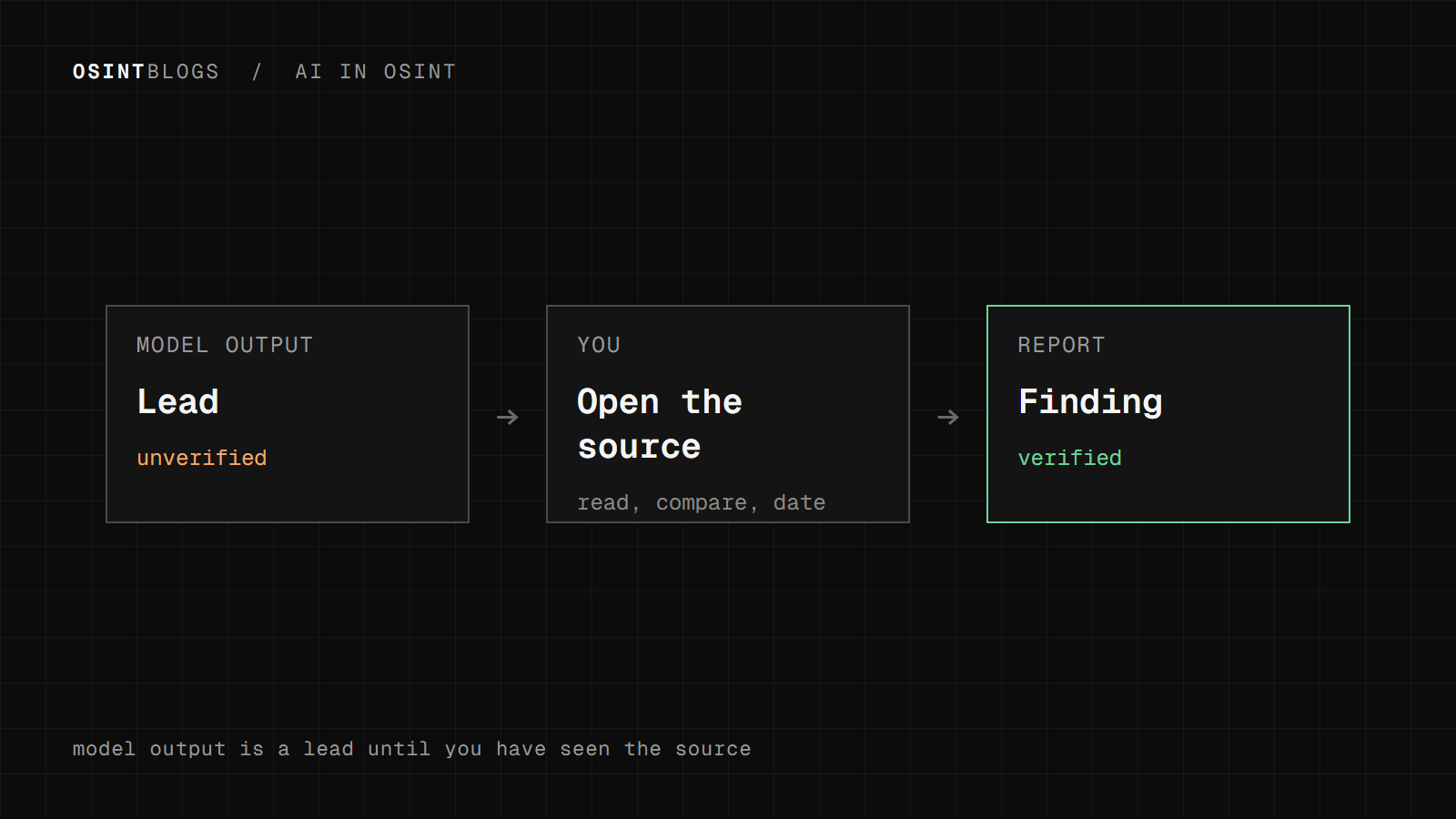
A domain investigation produces facts of very different strength. A creation date from the registry is solid. An owner inferred from a shared analytics ID is a hypothesis. Keep them apart when you write up, give the date you collected each record, and save the raw responses. RDAP and DNS answers change, and yesterday's record may be the one that mattered.
Frequently asked questions
How do I find out who owns a domain?
Start with RDAP. If the registrant is redacted, look at historical registration records, older archived versions of the site, the company named in its legal pages, and identifiers it shares with other sites. Sometimes the owner cannot be established from open sources.
Is WHOIS dead?
For generic top-level domains it is being phased out: registries and registrars have not been required to provide it since January 2025, and RDAP is the replacement. Many country-code domains still rely on WHOIS.
What is the difference between WHOIS and RDAP?
They carry the same registration data. WHOIS returns unstructured text over an unencrypted connection, in a format that differs from registry to registry. RDAP returns standard JSON over HTTPS and supports redirection to the right server and different levels of access.
Can a website owner tell that I looked up their domain?
Not from RDAP, DNS, certificate logs or archive lookups. Those requests go to registries, DNS servers and third-party services. They can see you when you visit the site or scan its servers.