Free OSINT tools by task: a working investigator's shortlist
A short, opinionated list of free OSINT tools organised by the job you need done, with what each is good at, where it fails, and a five-question test for deciding whether to trust any tool.

· 7 min read
Lists of "100 best OSINT tools" are easy to find and hard to use. Many of the tools on them are abandoned, a good number are thin wrappers around the same data, and none of the lists tell you what a tool gets wrong.
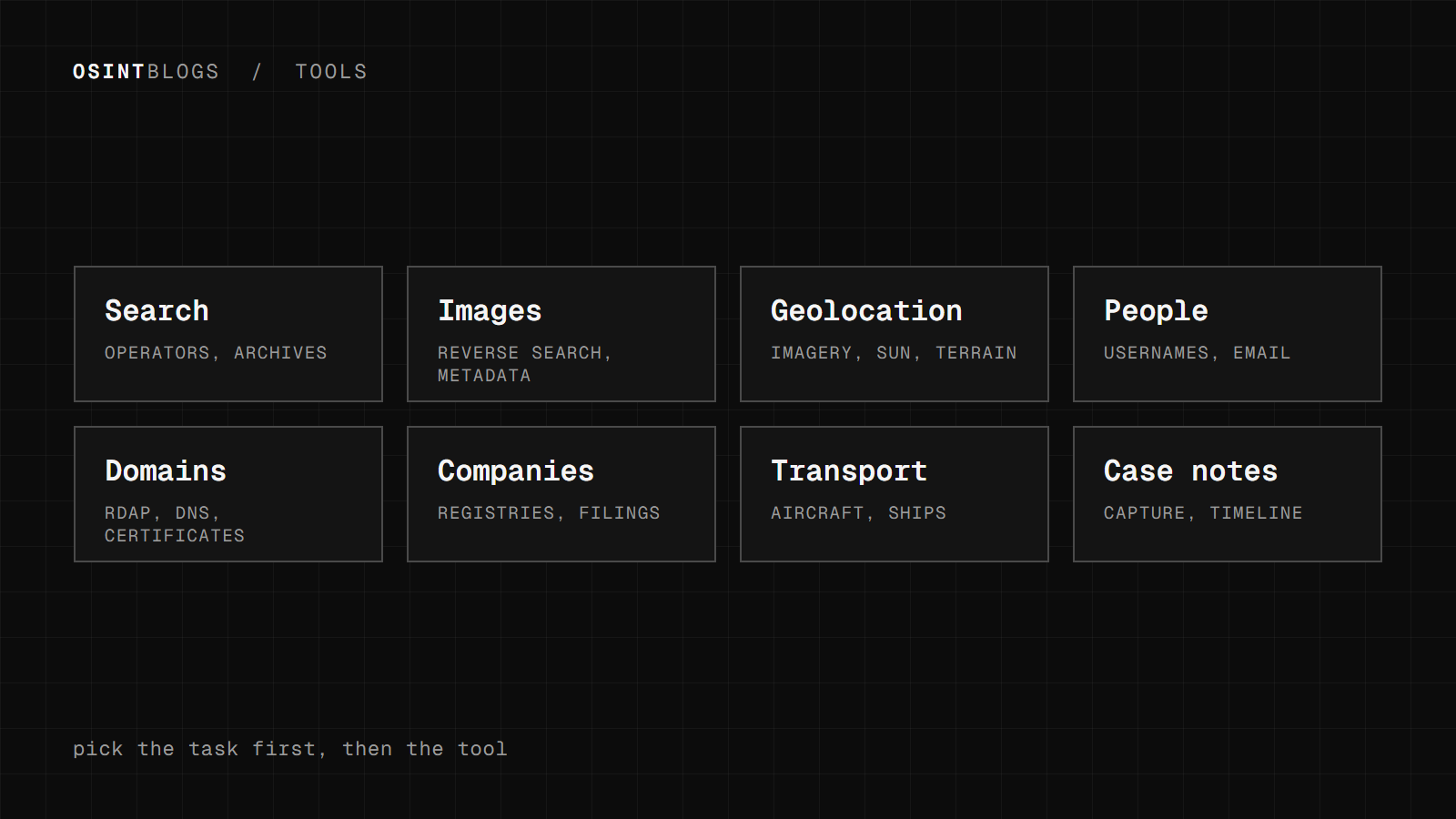
This is a shorter list, organised by the job you are trying to do. Every tool here is free or has a free tier that is useful on its own. For each one there is a note on its limits, because knowing how a tool fails is what makes its output usable.
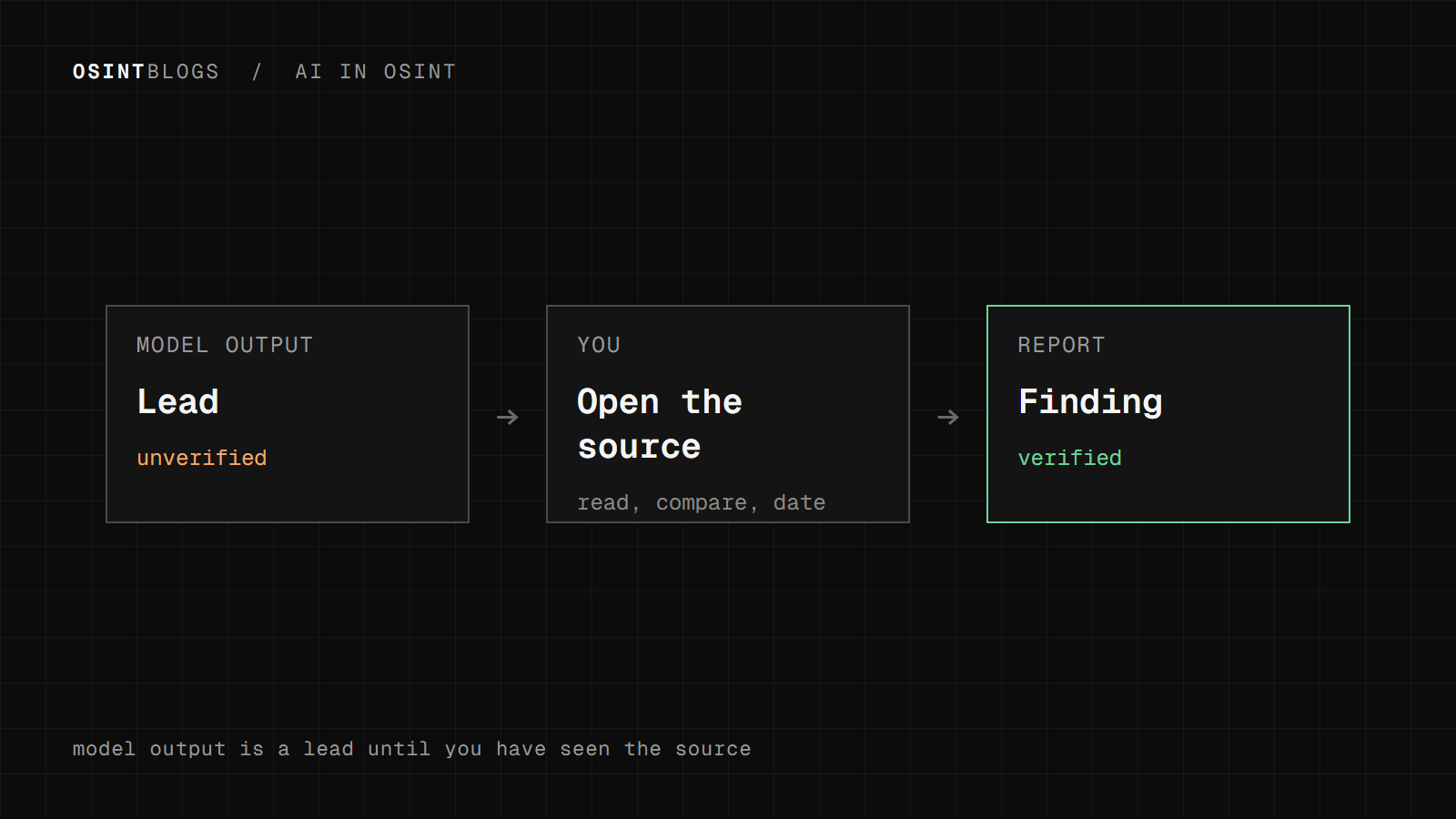
A reminder before the list: tools find candidate facts. Deciding whether those facts are true, and whether they answer your question, is still your job. If you are new to the field, start with what OSINT is and how an investigation runs.
Search and archives
Tool | Use it for | Limits |
|---|---|---|
Google, Bing, Yandex, DuckDuckGo | Finding published pages and documents with search operators | Each indexes a different slice of the web. Check at least two |
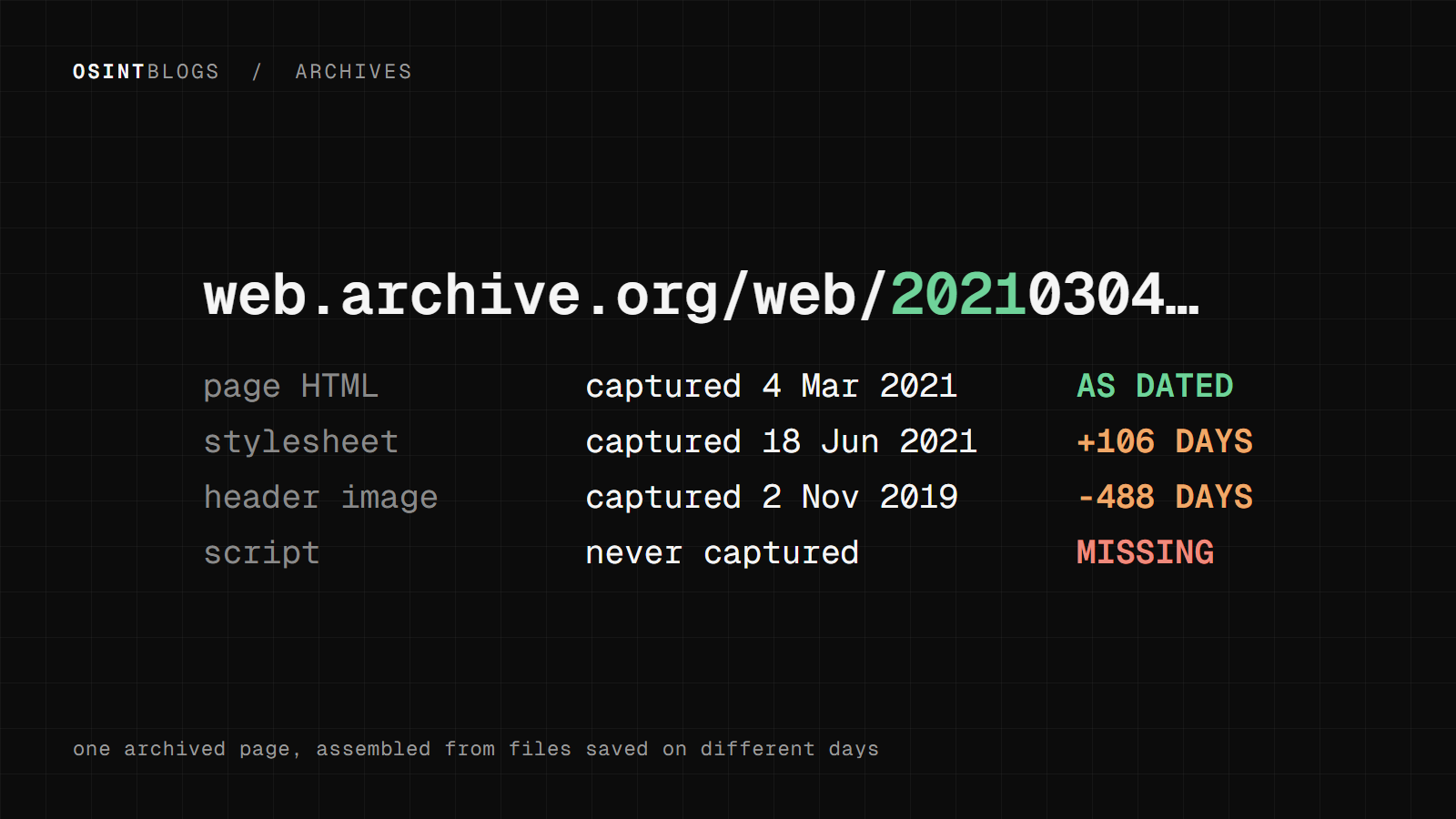
Earlier versions of a page, and deleted pages | Captures are assembled from files saved at different times. Scripts and media often fail | |
archive.today | Saving a page as it renders now, including many that the Wayback Machine cannot capture | On-demand only. Coverage of history is thin |
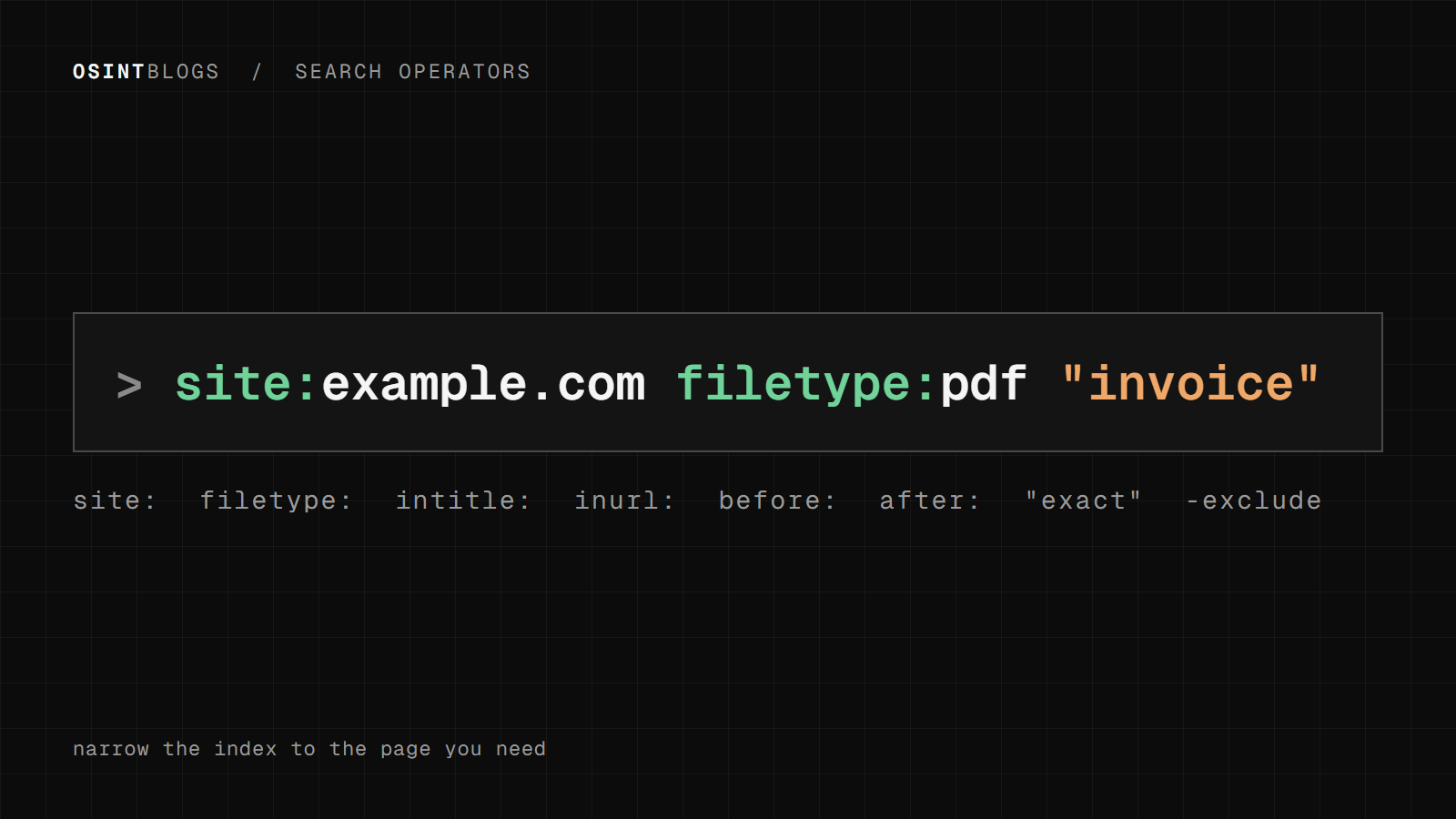
Search operators are the highest-value skill in this section. Our Google dorks cheat sheet lists the ones that still work. For archives, read why a Wayback capture is not a screenshot before you cite one as evidence.
Images and video
Tool | Use it for | Limits |
|---|---|---|
Google Lens | Identifying objects, landmarks, products and text in an image | Favours visually similar results over exact copies |
Yandex Images | Finding other copies of a photo, and matching faces and buildings | Strongest for Eastern Europe and Russia. Availability varies by country |
Finding exact and edited copies, sorted by oldest | Smaller index. Excellent for "where did this first appear?" | |
Bing Visual Search | A further index to check | Similar approach to Google Lens |
Reading metadata from photos, video and documents | Most social platforms strip metadata on upload | |
InVID-WeVerify plugin | Splitting a video into keyframes for reverse search, and magnifying detail | A browser extension. It organises the work and does not judge authenticity |
Run a reverse image search on more than one engine. They return different results often enough that a single miss means little.
Geolocation and chronolocation
Tool | Use it for | Limits |
|---|---|---|
Google Earth Pro | Historical satellite imagery, measuring, terrain in 3D | Image dates are approximate, and coverage is uneven |
Free Sentinel satellite imagery every few days, back to 2015 | 10 metres per pixel at best: fields, fires, floods and construction, not vehicles | |
Street-level imagery (Google Street View, Mapillary, KartaView) | Matching a photo to a place from the ground | Coverage and age vary greatly between countries |
Querying OpenStreetMap, for example "every petrol station within 200 metres of a railway line" | Only as complete as local mapping | |
Sun position and shadow direction for any place and time | Needs an accurate location and a measurable shadow | |
PeakVisor | Matching a mountain skyline to a viewpoint | Mountains only |
Shadow work is easy to get wrong. Our walkthrough of chronolocation from a shadow covers the error budget.
People, usernames and email
Tool | Use it for | Limits |
|---|---|---|
Sherlock | A fast username check across about 400 sites | False positives when sites change. Open every result |
Maigret | A deeper username search across 3,000+ sites, with details extracted from profiles | Long output that needs review |
WhatsMyName web app | Username checks with nothing to install | The same caveats as the others |
holehe | Checking which sites an email address is registered with | About 120 sites. Checks go stale |
Have I Been Pwned | Which known breaches include an email address | Notification only: no records, and sensitive breaches are hidden |
These tools are the subject of two longer guides: username OSINT and email OSINT. For phone numbers, the honest summary is that free tools tell you the country, type and original carrier, and little else. See phone number OSINT.
Domains, IP addresses and infrastructure
Tool | Use it for | Limits |
|---|---|---|
RDAP lookup (ICANN Lookup, rdap.org) | Registration dates, registrar and name servers | Registrant details are mostly redacted |
Certificates issued for a domain, which reveals subdomains | Slow under load. Wildcard certificates hide names | |
DNSDumpster | A quick map of a domain's DNS records and hosts | A sample, not a full inventory |
What a page loads, where it connects, and a screenshot, without visiting it yourself | Public scans are visible to everyone. Use private mode for sensitive addresses | |
Shodan and Censys | Services and certificates seen on an IP address | Free tiers are limited. Data may be days or weeks old |
VirusTotal | Reputation, passive DNS and related files for a domain or IP | Anything you upload is shared with subscribers |
subfinder | Passive subdomain discovery from the command line | Better with API keys for its sources |
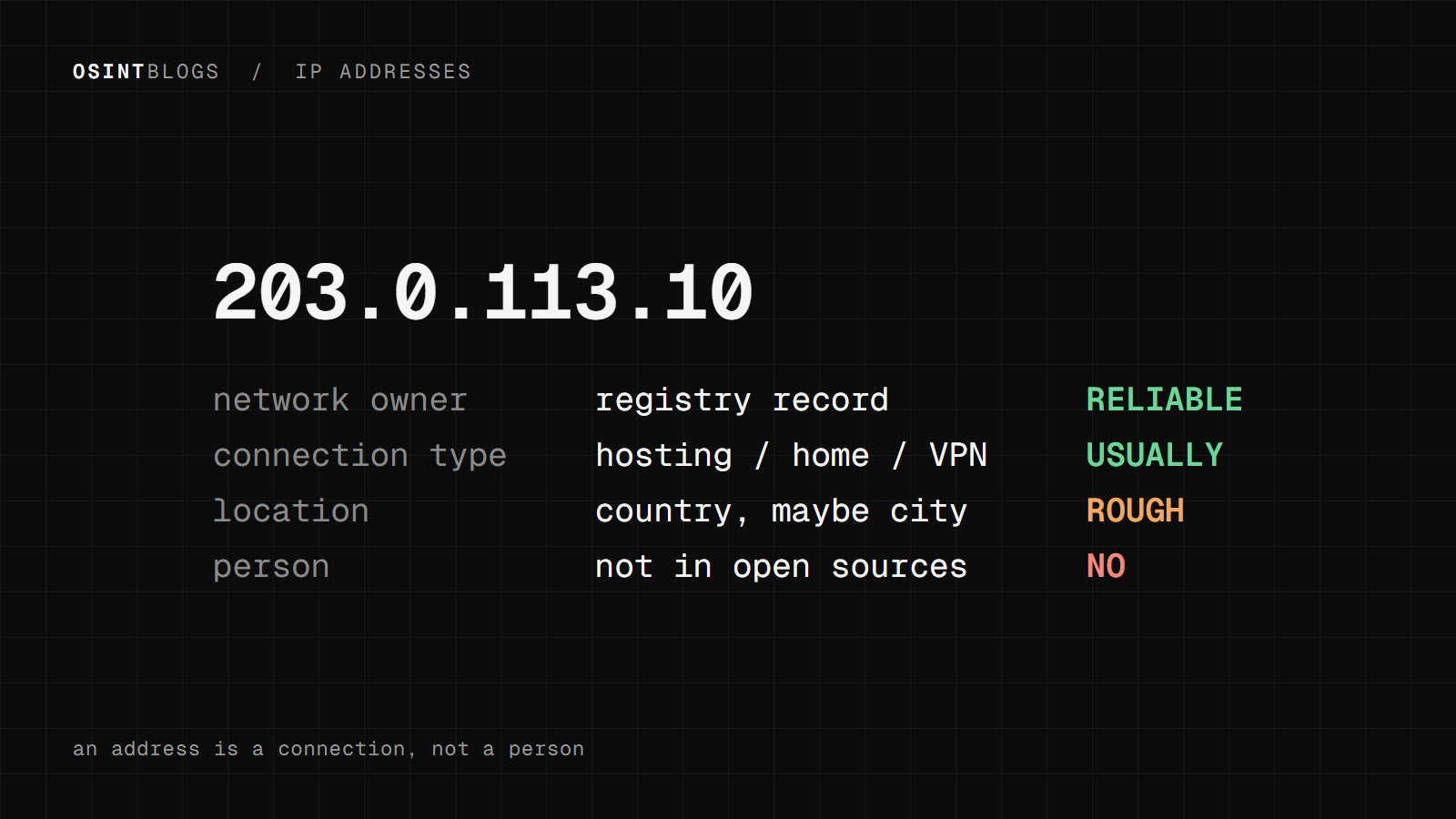
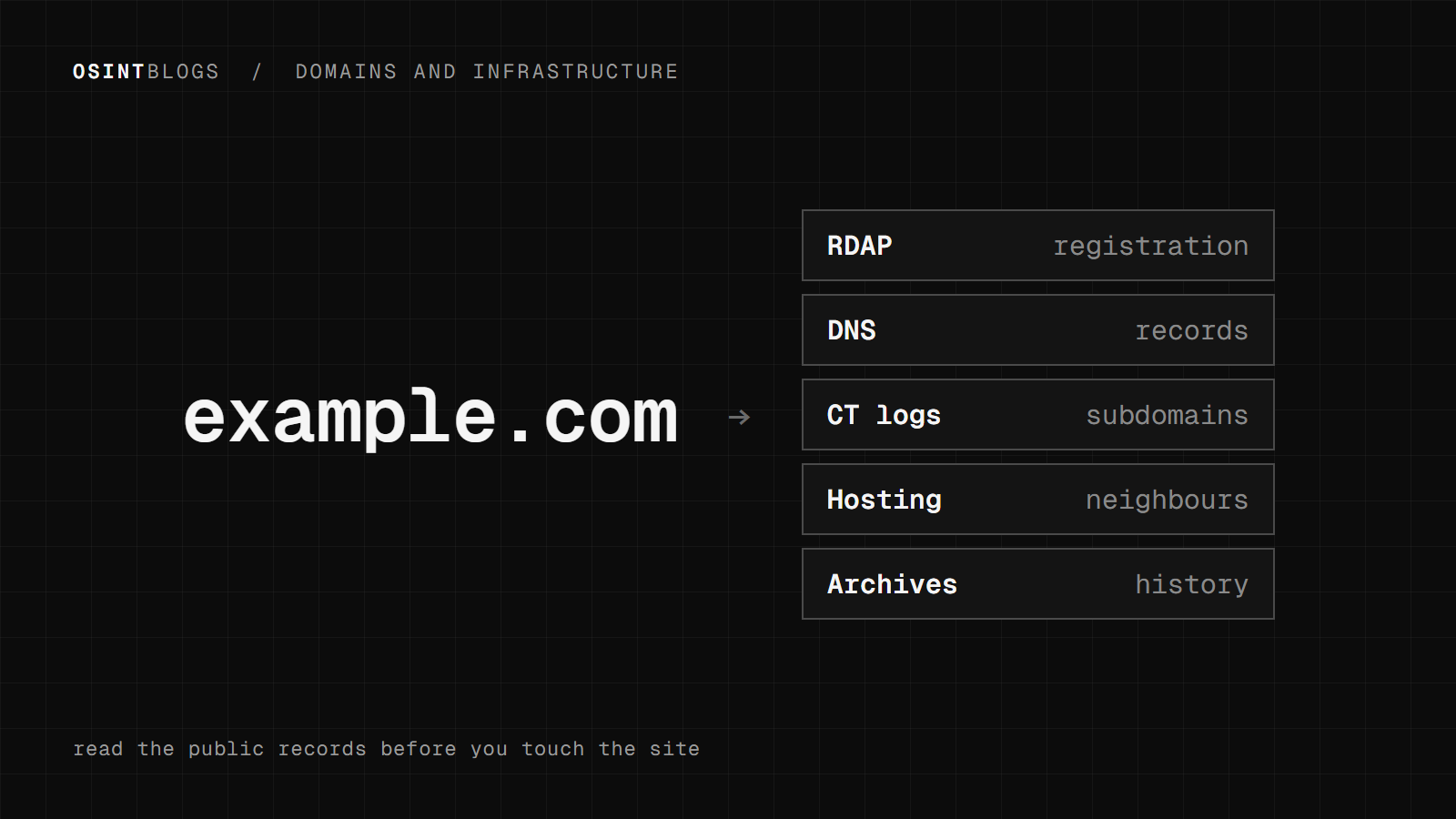
Two guides go further: how to investigate a domain and IP address OSINT. For pivoting on certificates specifically, see Certificate Transparency as a pivot engine.
Companies, money and ownership
Tool | Use it for | Limits |
|---|---|---|
National company registries | The authoritative record: officers, filings, addresses | Quality and openness vary. Some charge, some list no owners |
Searching company records from many jurisdictions in one place | A copy of registry data. Confirm at the source | |
Leaked and public datasets, court records and registries, searchable together | Some collections need an approved account | |
Sanctions lists and politically exposed persons | Name matches need checking against dates of birth and nationality | |
SEC EDGAR | Filings of companies listed or raising money in the United States | US-centred |
Registries are primary sources. Aggregators are the fast way to find which registry to look in.
Transport
Tool | Use it for | Limits |
|---|---|---|
Unfiltered aircraft tracking | Coverage depends on volunteer receivers. Free history is limited | |
Flightradar24 | Aircraft tracking with a polished interface | Hides some aircraft at their operators' request |
MarineTraffic and VesselFinder | Ship positions from AIS | Free tiers show coastal receivers only. Ships can switch AIS off or falsify it |
Blockchain
Tool | Use it for | Limits |
|---|---|---|
Block explorers (Etherscan, Blockchair, mempool.space) | Reading transactions and balances for an address | Shows movement, not who controls an address |
Arkham and Breadcrumbs | Visualising flows, with labels for known entities | Labels are attributions made by someone else. Check how each was established |
Capture and case notes
Tool | Use it for | Limits |
|---|---|---|
Browser "save as" plus full-page screenshots | Keeping a copy of what you saw | Manual. Record the address and time yourself |
SingleFile | Saving a complete page as one HTML file | A browser extension. Dynamic content can be missed |
Obsidian, or any plain-text notes | A dated log of what you searched and found | Only works if you keep it as you go |
SpiderFoot, Maltego Community Edition | Automating collection across many sources and drawing the links | Output volume is high. Free editions are restricted |
Paid tools exist for capture, and they are good. A disciplined notes file and saved pages cover the need until you are doing this for a living.
Five questions to ask before trusting a tool
Where does the data come from? If the tool will not say, treat its output as rumour.
How old is it? A scan from last month or a registry copy from last year can be wrong today.
What does a wrong answer look like? Test it with something you know: your own username, your own domain.
What does it send, and to whom? A web tool sees what you search. A scanner touches the subject's systems. An upload may be shared.
Is it maintained? Check the date of the last update. Tools that depend on other sites' page layouts decay within months.
Directories worth bookmarking
When you need a tool for a job not covered here, two maintained directories are better than any static list: Bellingcat's Online Investigation Toolkit, which describes each tool's cost and limits, and the OSINT Framework, which arranges links as a tree by data type.
Frequently asked questions
What is the best OSINT tool for beginners?
A search engine used well. After that, a reverse image search engine and a web archive. Those three cover a large share of real investigations and teach habits that carry over to everything else.
Are free OSINT tools enough for professional work?
For most collection, yes. Paid products mainly buy time: historical data, bulk access, capture and reporting. They do not replace verification.
Are OSINT tools legal to use?
Tools that read public sources are legal to use in most places. Scanners that probe systems you do not own, and anything that gets past access controls, are a different matter. Read what a tool does before you run it.
Do I need Linux or a special operating system?
No. Almost everything above runs in a browser or installs on Windows, macOS and Linux. A separate browser profile for research is more useful than a special operating system.