YouTube OSINT: verify videos and investigate channels
How to research YouTube with open sources. Anchor channels to their permanent ID, get exact upload times from the Data API, list every upload, reverse search thumbnails and keyframes, search by location and date, and recover traces of deleted videos.

· 6 min read
YouTube holds more old footage than any other platform, which is exactly why it matters for verification. Dramatic video of a storm, a protest or an explosion is very often a re-upload of something filmed years ago, given a new title. The original is usually still on YouTube, with an earlier date.
This guide covers how to find it, how to date it properly, and how to assess the channel behind it.
Channel identifiers
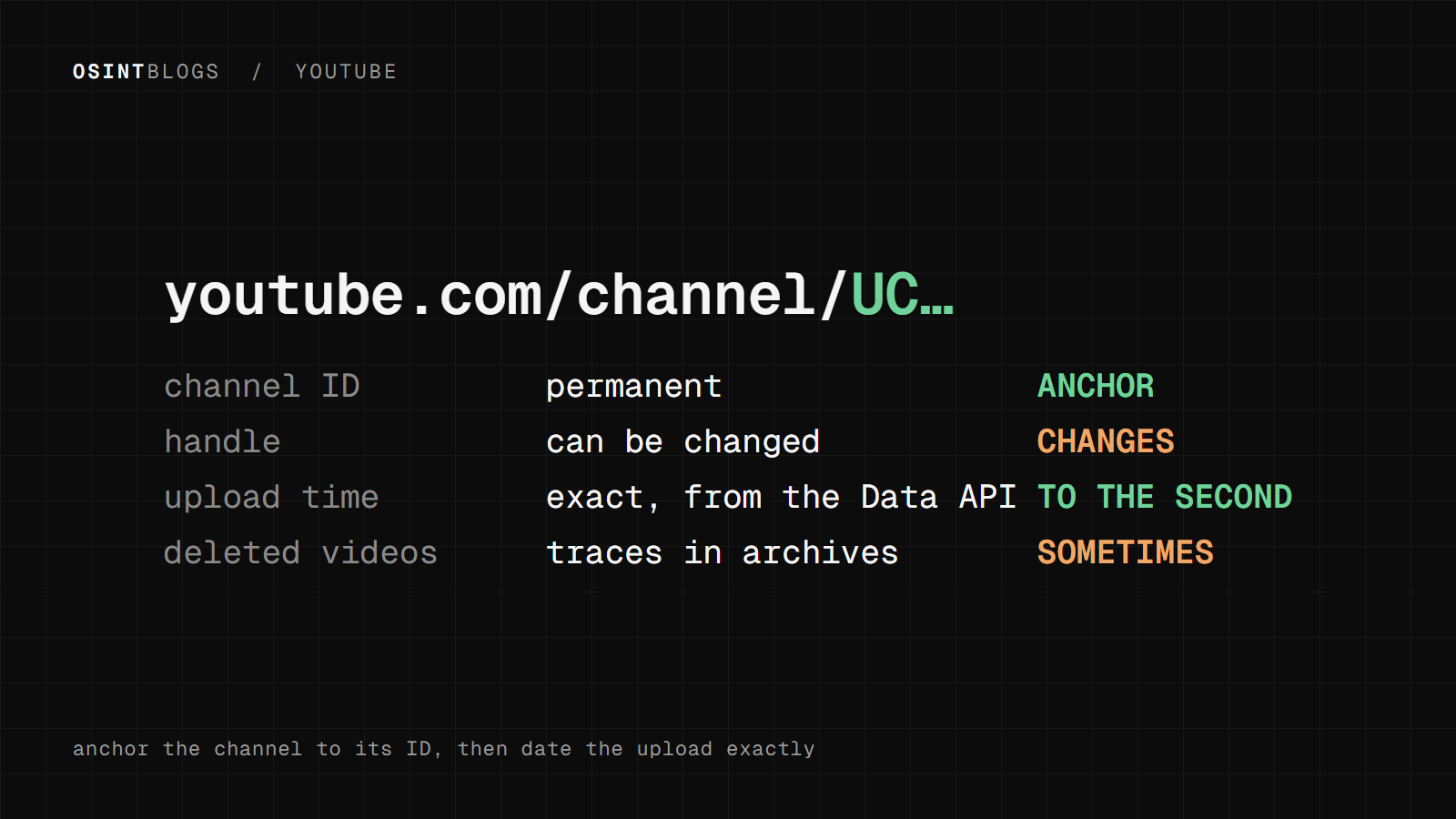
A channel has three names, and only one is permanent.
Identifier | Example | Permanent? |
|---|---|---|
Channel ID |
| Yes |
Handle |
| No. Can be changed |
Display name | Example Channel | No. Can be changed |
Record the channel ID. To find it, open the channel's About panel, choose Share channel and copy the channel ID. It is also in the page source as channelId. A link in the form youtube.com/channel/UC... will keep working after the handle changes.
One trick worth knowing: replace the UC at the start of the channel ID with UU and you have the ID of the channel's uploads playlist, which lists every public video in order.
https://www.youtube.com/playlist?list=UUxxxxxxxxxxxxxxxxxxxxxxExact times from the Data API
The site shows "3 years ago" or a date in your own time zone. The YouTube Data API returns the publication time to the second in UTC. It needs a free API key from a Google Cloud project, and the free daily quota is ample for manual research.
# A video: publication time, title, description, tags, live stream times, recording details
curl -s "https://www.googleapis.com/youtube/v3/videos?part=snippet,liveStreamingDetails,recordingDetails,statistics&id=VIDEO_ID&key=API_KEY" | jq '.items[0] | {publishedAt: .snippet.publishedAt, title: .snippet.title, channelId: .snippet.channelId, tags: .snippet.tags, live: .liveStreamingDetails, recording: .recordingDetails}'

# A channel: creation time, country, description
curl -s "https://www.googleapis.com/youtube/v3/channels?part=snippet,statistics&id=CHANNEL_ID&key=API_KEY" | jq '.items[0] | {created: .snippet.publishedAt, country: .snippet.country, title: .snippet.title, stats: .statistics}'
The video ID is the eleven characters after v= in a watch link or after youtu.be/.
How to read the result:
publishedAtis when the video became public. A video uploaded privately and released later carries the release time. It is never the filming time.Live streams have actual start and end times in
liveStreamingDetails. For footage of a live event, those are the times that matter.recordingDetailsis filled in by the uploader, rarely, and can be false.Channel
countryis chosen by the owner.Tags are hidden on the site but returned by the API, and sometimes reveal what the uploader thought the video was.
Without an API key, yt-dlp reads much of the same data:
yt-dlp --skip-download --write-info-json -o "%(id)s" "https://www.youtube.com/watch?v=VIDEO_ID"The resulting JSON file contains timestamp, upload_date, channel_id, the description and tags. It is also a useful record to keep as evidence.
Is this the first upload?
Thumbnails
YouTube generates still images for every video, at predictable addresses that need no login:
https://i.ytimg.com/vi/VIDEO_ID/maxresdefault.jpg
https://i.ytimg.com/vi/VIDEO_ID/hqdefault.jpg
https://i.ytimg.com/vi/VIDEO_ID/1.jpg
https://i.ytimg.com/vi/VIDEO_ID/2.jpg
https://i.ytimg.com/vi/VIDEO_ID/3.jpg
The numbered images are frames taken from different points in the video. Run them through reverse image search. This takes a minute and catches a large share of recycled footage. The InVID-WeVerify browser extension automates the step and sends frames to several engines at once.
Custom thumbnails are chosen by the uploader and may not come from the video at all, so use the numbered frames as well as the main image.
Keyframes
For a more thorough search, download the video and extract frames with fixed features in view. The commands and the choice of search engine are covered in our guides to TikTok OSINT and verifying an image.
Search within YouTube
Search for distinctive words from the title and description, in the original language if you can identify it, and use the upload date filter. Re-uploaders often translate or sensationalise titles, so also search for neutral descriptions of what is visible: the place name, the type of event, the year.
If you find an earlier upload, compare lengths and quality. The original is usually longer, higher in resolution, and free of added logos, borders and music.
Searching by place and time
The API can return videos tagged with a location inside a circle, within a time window:
curl -s "https://www.googleapis.com/youtube/v3/search?part=snippet&type=video&location=51.5072,-0.1276&locationRadius=5km&publishedAfter=2026-03-01T00:00:00Z&publishedBefore=2026-03-02T00:00:00Z&maxResults=50&key=API_KEY" | jq '.items[] | {id: .id.videoId, title: .snippet.title, at: .snippet.publishedAt}'Only a small share of videos carry a location, so this finds some eyewitness uploads and misses most. It is still one of the few ways to search by place and not by keyword. The search endpoint uses far more quota per call than the others.
Assessing a channel
Creation date against content. A channel created in 2012 whose oldest visible video is from last month has deleted its history, or was bought.
Upload pattern. The uploads playlist shows gaps, bursts and changes of subject or language. A sudden switch from gaming clips to news is the mark of a repurposed channel.
The About panel. Links, a business email address shown after a human check, the join date and the declared country.
Other channels. Featured channels and channels the owner subscribes to publicly, if shown.
Voice and setting. The narrator's accent, the room, the view from the window, items on the desk. Across many videos these add up.
Comments by the owner. Replies to viewers are less guarded than videos.
The same name elsewhere. See username OSINT.
Subscriber and view counts can be bought. A channel with two million views and three comments has not been watched by two million people.
Comments as evidence
Comments are dated and often informative. On footage of an event, early comments from local viewers may name the place, correct the date, or say where the video was taken from. Sort by newest and scroll to the end to reach the earliest. The API's commentThreads endpoint returns comments with exact times.
Treat them as leads. People comment confidently on things they did not witness.
Deleted and private videos
When a video is removed, the watch page says so and little else. Options:
Search the video ID in quotation marks on several search engines. Shares on forums, social media and news sites often quote the original title.
Check web archives. The Wayback Machine holds the watch page for many videos, which gives the title, description, uploader and date. It holds the video file for far fewer.
Look for re-uploads using the recovered title and the thumbnail, which sometimes survives in caches.
Playlists. A deleted video still occupies a slot in other people's playlists, and archived copies of those playlists show its title.
Unlisted videos are different: they do not appear in search or on the channel, but anyone with the link can watch. Links to unlisted videos posted on public sites are indexed like any other link.
Verifying what the video shows
Dating the upload tells you the footage is at least that old. Whether it shows the claimed event is a separate question, answered from the content:
Where? Landmarks, signs, road layout, terrain. Our guide to geolocating a photo applies to video frames.
When? Weather against historical records, shadows, foliage, shop fronts, vehicles and adverts.
Who filmed it? Does the channel have a history in that place? Has the uploader said they filmed it?
Anything else from the same event? Other angles from other uploaders are the strongest confirmation.
Preserve the video, the JSON metadata and the watch page as soon as it matters. See preserving web evidence.
Frequently asked questions
How do I find the exact upload time of a YouTube video?
Query the Data API's videos endpoint with the video ID and read snippet.publishedAt, which is in UTC. yt-dlp with --write-info-json gives a timestamp field without an API key.
How do I find a channel's permanent ID?
Open the channel's About panel, choose Share channel, then Copy channel ID. It begins with UC.
Can I reverse image search a YouTube video?
Yes. Search the automatically generated thumbnail frames, or extract your own frames from the downloaded video, on several reverse image search engines.
Can I see who uploaded a video from which location?
No. YouTube does not publish uploader location. A location tag or a channel country is the uploader's own statement.
Can I watch a deleted YouTube video?
Only if a copy was archived or re-uploaded. Web archives usually keep the page details even when the video file is gone.