How to verify a deepfake video or cloned voice: a practical method
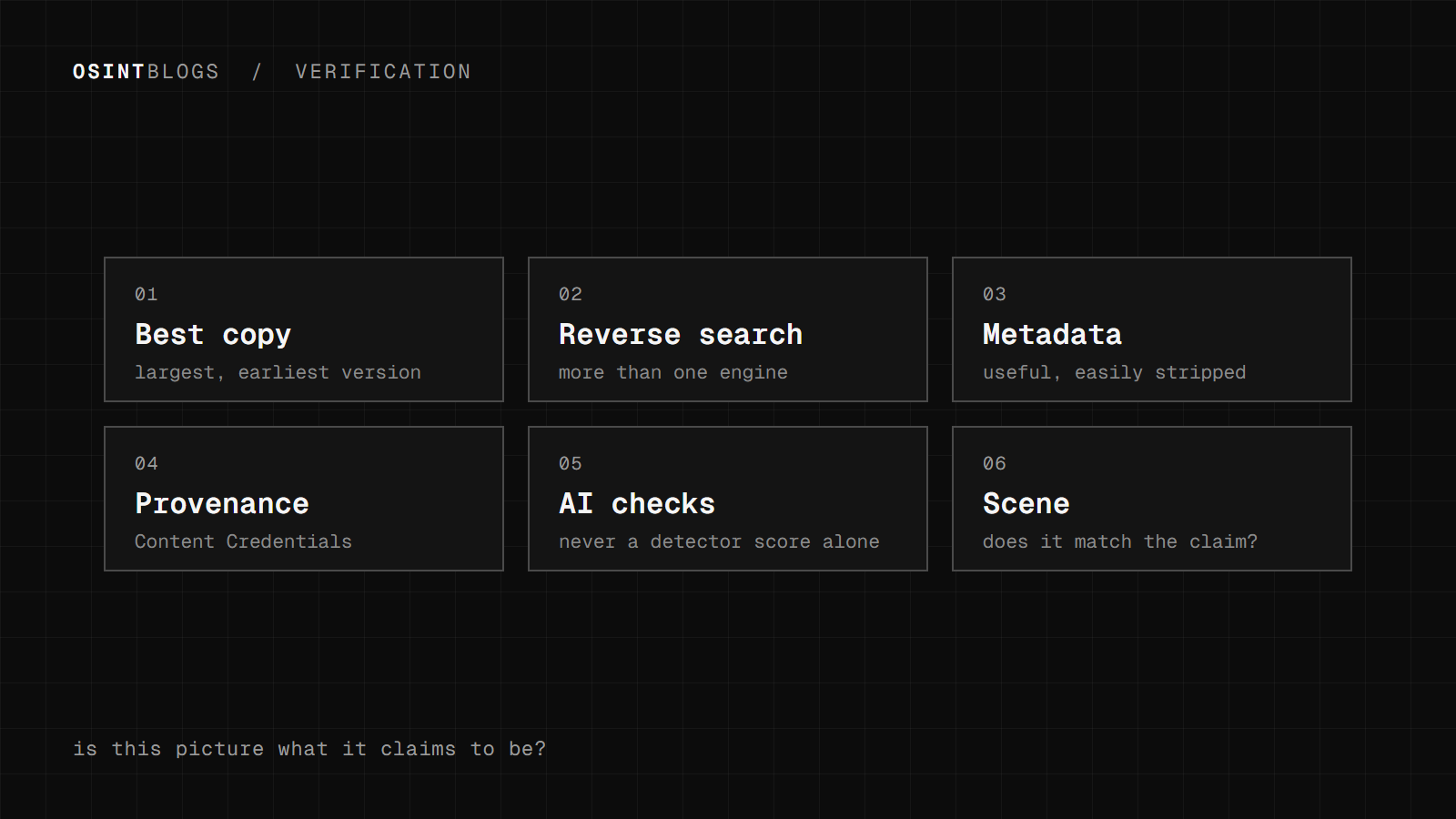
Most fake videos are not deepfakes at all, and the method for checking is the same either way. Trace the source, find the original, examine faces and audio frame by frame, read provenance signals, treat detector scores with caution and test the claim against reality.

· 8 min read
A video appears of a politician saying something outrageous, or a chief executive announcing a giveaway, or a relative on a call asking for money. The question is whether it is real. Synthetic video and cloned voices are now good enough that looking and listening carefully will not always settle it.
That sounds alarming, and it changes less than you might think. The most reliable ways to check a video never depended on spotting visual flaws. They depend on where the video came from and whether the event it shows happened. This guide sets out the method in the order that works.
What you might be dealing with
Type | How it is made | How common |
|---|---|---|
Miscaptioned real footage | A genuine video with a false description, date or place | Very common |
Cheapfake | Real footage slowed, sped up, cropped, spliced or subtitled falsely | Common |
Lip-sync fake | Real video of a person with the mouth regenerated to match new audio | Increasingly common |
Voice clone | Synthetic audio in a real person's voice, alone or over still images | Common, especially in fraud |
Face swap | One person's face mapped onto another's body | Common in scams and abuse |
Fully generated video | Created from a text or image prompt, with no real footage | Growing fast |
The first two rows account for most misleading video. Slowing a recording so that a speaker sounds drunk needs no artificial intelligence. Start by assuming the simplest explanation, and only then consider the sophisticated ones.
Step 1: trace the source
Before studying a single frame, ask where the video came from.
Who posted it first? Follow shares back to the earliest upload. Our platform guides explain how to date posts from their IDs.
What kind of account is it? A long-standing account with a relevant history, or one created this month? An account that labels its content as satire or AI art?
Is it on the official channels? A real speech by a president is on the government's site, the broadcaster's feed and wire services. A statement that exists only as a clip on an anonymous account is suspect before any analysis.
Has the subject or anyone present responded?
Is the footage complete? A ten-second clip with no beginning or end, no wide shot and no audience is easier to fake and harder to check than the full recording.
Many investigations end here. A clip traced to an account that makes parody videos needs no forensic examination.
Step 2: find the original
Most manipulated videos are built from real footage. Find the real footage and the manipulation becomes obvious.
Extract keyframes, choosing ones that show the background, clothing and setting.
Run them through several reverse image search engines. See verifying an image.
Search for the event: the speaker, the backdrop, the podium, the date.
Compare the suspect clip with the original side by side: same gestures with different words means a lip-sync fake, and the same words at a different speed means a cheapfake.
For lip-sync fakes this is decisive. The original shows the same person, in the same clothes, in the same room, saying something else.
Step 3: examine the picture
Download the best-quality copy you can and step through it frame by frame. Signs to look for, bearing in mind that each generation of tools removes some of them:
Mouth and teeth. Blurred or shifting teeth, a tongue that never appears, lips that do not fully close on sounds like "b", "p" and "m", a mouth region slightly sharper or softer than the rest of the face.
Face boundary. Flicker or misalignment along the jaw, hairline and ears, especially when the head turns. Skin tone on the face differing from the neck.
Occlusion. When a hand, microphone or hair passes in front of the face, swapped faces often glitch or the object dissolves.
Profile views. Many face models are trained on frontal faces and degrade when the head turns far to the side.
Eyes. Unnatural blinking, mismatched reflections between the two eyes, a gaze that does not track.
Light and shadow. Lighting on the face that does not match the scene, missing shadows, reflections in glasses that do not move correctly.
Accessories and detail. Earrings that change, glasses merging with skin, moles and wrinkles that come and go.
Background. In generated video: warping walls, people who merge or vanish, signs with nonsense text, objects changing between cuts.
Motion and physics. Limbs that bend wrongly, fingers that multiply, liquids and cloth that move oddly, an unnatural smoothness.
Compression complicates everything. Heavy compression from repeated sharing causes blur, blocking and flicker around faces in perfectly genuine video. An artefact is evidence only if it is not explained by the video's quality, and you should compare with real footage of the same person at similar quality.
Step 4: examine the sound
Voice clones are easier to make than video fakes and harder to spot.
Delivery. Flat or oddly even emotion, misplaced emphasis, a rhythm too regular.
Breathing. No breaths, or breaths in the wrong places.
Room sound. A voice too clean for the setting, or acoustics that do not match the room in the picture. A speech in a hall should echo like one.
Edits. Abrupt changes in background noise between phrases.
Words. Names, places and numbers mispronounced in ways the real person would not.
Sync. Lip movements trailing or leading the audio.
Content. Would this person say this, in this way, in this language and register? Compare with their known recordings.
Poor phone-call quality hides most of these, which is why cloned voices are so effective in fraud.
Step 5: check provenance signals
Content Credentials. Some cameras, editing tools and AI generators attach signed records of how a file was made. Inspect them with the Content Authenticity Initiative's verification site or the open-source
c2patool.Watermarks. Several AI video generators add a visible mark, an invisible watermark or both. Google's SynthID and similar schemes can be checked with the vendor's own detector.
Platform labels. Major platforms label some content as AI-generated, based on creator disclosure or detected signals.
Metadata. Encoder strings and creation dates in the file can be informative on an original file and are usually stripped by platforms. See document metadata.
All of these work in one direction. A credential or watermark indicating AI generation is strong evidence. The absence of one tells you nothing, because most video carries none, and cropping, screen-recording or re-encoding removes what was there.
Step 6: use detectors with care
Detection tools return a probability that media is synthetic. Treat the number as a prompt for further checks.
They are trained on particular generators and lose accuracy on new ones.
Compression, resizing and screen recording, which every viral video has undergone, degrade them badly.
They produce false positives on real footage, and real footage of real atrocities has been wrongly dismissed because a tool said so.
They cannot detect a cheapfake or a miscaptioned clip, which contain no synthetic content.
Different tools often disagree on the same file.
Never report a conclusion that rests on a detector score alone. If you mention one, name the tool, give the result and state its limits. Our guide to AI in OSINT covers how to work with model outputs generally.
Step 7: test the claim against the world
The strongest check does not involve the file at all.
Did the event happen? A speech has an audience, a schedule, other cameras, journalists in the room, a transcript.
Are there other recordings? Genuine public events are filmed from several angles. Synthetic ones exist as a single clip.
Does it fit the timeline? Was the person in that place on that day? Does the setting match the claimed date? See geolocating a photo and chronolocation.
What do direct sources say? The subject's office, the venue, the broadcaster.
A fake can be visually flawless and still fail here, because nobody can fabricate the surrounding record of a real event.
Wording the conclusion
Be specific about what was established and how.
"The clip is a manipulated version of a speech given on a stated date. The original, published by a named broadcaster, has different audio."
"No original was found. The earliest copy came from an account created that week. Lip movements do not match the audio on plosive sounds. The subject's office denies the statement. Assessment: very likely fabricated."
"No evidence of manipulation was found, and a second recording from another angle shows the same words. Assessment: very likely authentic."
"Authenticity could not be determined."
The last is a legitimate answer. Avoid "confirmed deepfake" unless you have the original footage, a provenance record or an admission. Keep the files and your working. See preserving web evidence and our OSINT report template.
The other risk: real footage called fake
As awareness of deepfakes grows, people caught saying or doing something on camera increasingly claim the recording is fabricated. Verification therefore runs both ways. Establishing that a video is authentic, through its source, corroborating recordings and consistency with known facts, matters as much as catching fakes. Do not let "it could be AI" stand as an answer without the same scrutiny you would give the opposite claim.
Live calls and fraud
Real-time face and voice imitation is used to impersonate executives and relatives on calls. Analysis after the fact is too late, so the defence is procedure:
Call back on a number you already hold, not one supplied in the call.
Use a second channel to confirm any request involving money, credentials or data.
Agree a code word with family members and key colleagues in advance.
Ask for something unexpected, such as a question only the real person could answer. Asking the caller to turn side-on or pass a hand across their face can disrupt weaker live face models, though it will not defeat good ones.
Distrust urgency and secrecy. Both are features of the fraud, not of the technology.
Frequently asked questions
How can I tell if a video is a deepfake?
Trace where it came from, look for the original footage it may be based on, check whether the event is recorded elsewhere, and then examine the mouth, face edges and audio frame by frame.
Are deepfake detectors reliable?
Not enough to rely on alone. They lose accuracy on new generators and on compressed video, and produce both false alarms and misses. Use them as one input.
What is a cheapfake?
A video made misleading with simple editing, such as slowing, cutting or false captioning, without any artificial intelligence. Cheapfakes are more common than deepfakes.
Can a cloned voice be detected?
Sometimes, from flat delivery, missing breaths or mismatched room acoustics, but good clones on a poor phone line are very hard to spot by ear. Verifying through a second channel is more dependable.
Does a missing AI label mean a video is real?
No. Labels and watermarks are applied inconsistently and are easily removed. Their absence proves nothing.